Branded client galleries — running on the storage you already own.
Deliver branded photo & video galleries straight from the Drive, Dropbox, or drives you already own. Find duplicates across clouds and devices, back up encrypted, never re-upload. Built for photographers and creative studios.
Role
Multi-cloud file manager
Year
2025 — ongoing
Surface
Web · Desktop connector
Status
Open beta
01The problem
Deliver client work straight from your existing storage, under your own brand.
Most client gallery platforms require you to upload your files to their servers, paying for a second storage quota. Whimsy turns the storage you already own into a client delivery system.
Your Dropbox, Google Drive, or local drives serve proofs and deliverables directly to clients with your logo, custom domain, and custom styling. Downloads and client uploads land right back in your folders.
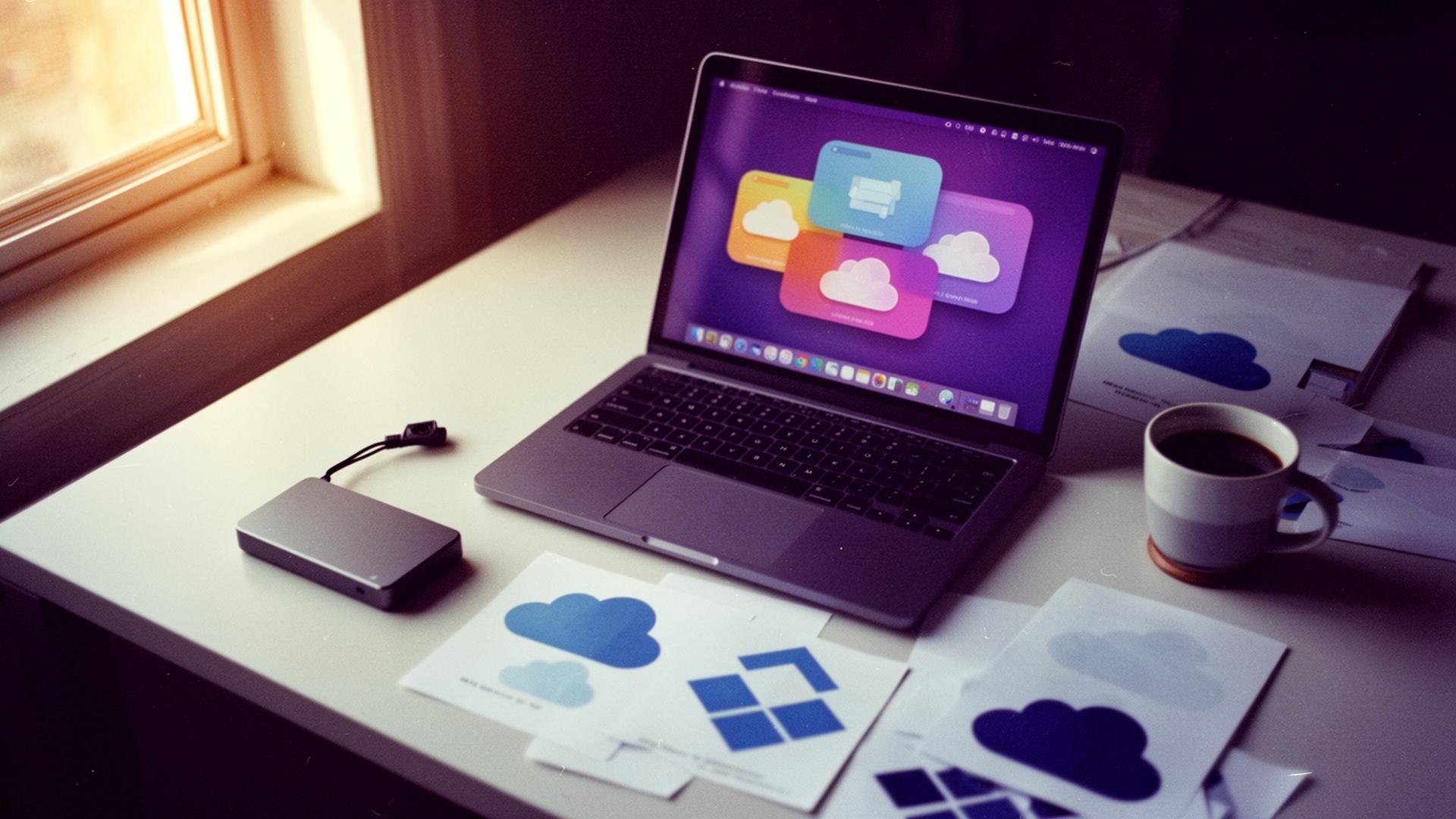
Quiet light, busy desk — 35mm, in studio.
02The approach
A distributed control plane for your files. Direct, secure, and private.
Whimsy is a control plane, not a hosting provider. We do not store your files. Transfers between your cloud accounts happen direct through provider APIs without passing through our servers, keeping your data private and your bandwidth cost zero.
Connect with standard OAuth, and manage your assets with cross-cloud duplicate detection, unplugged drive indexing, and client-side encrypted backup.
Specifications
“We do not want to hold your bytes. We just want the manager to feel like one place.”
— Studio note
Every provider above is available today — connect as many as you like.
Index / Topic guides
The Whimsy pages that are already live, linked from one place.
These guides cover the concrete jobs Whimsy replaces: duplicate cleanup, client delivery, encrypted backup, cloud migration, desktop connector workflows, and the rest of the live topic cluster.
01
Find duplicates
Spot duplicate photos, RAW files & videos across every cloud.
Open guide
02
Manage all your clouds
Browse, search & move files across every account in one place.
Open guide
03
Digital asset management
One organized library across every cloud & drive — tag, search & deliver.
Open guide
04
Deliver to clients
Branded galleries straight from the storage you own.
Open guide
05
Encrypted backup
Private, versioned backup with keys only you hold.
Open guide
06
Desktop app
Free Mac, Windows & Linux app — offline backup, dedup & encryption, no account.
Open guide
07
Cut storage costs
Beat egress fees and the hidden charges that inflate your bill.
Open guide
08
Cloud migration
Move between clouds, byte-direct, overnight.
Open guide
09
Shared spaces
Share a library with family or team — everyone keeps their own accounts.
Open guide
10
Studio workflow
Run every shoot from post-production to paid, on your own storage.
Open guide
11
Catalog drives
Search every drive — even the one unplugged in a drawer.
Open guide
12
Free up disk
Reclaim disk with files-on-demand — nothing deleted.
Open guide
13
Cloud-to-cloud transfer
Move files between clouds without downloading.
Open guide
14
AI photo search
Find any photo by describing it — no tags needed.
Open guide
15
Send large files
Send big video files from the storage you own — no 2GB limit.
Open guide
16
MultCloud alternative
Manage every cloud, desktop-native, files never staged on our servers.
Open guide
17
MCP for AI agents
Scoped, audited file access for Claude, Cursor & any MCP-aware agent.
Open guide
18
Zero-upload portfolio
A portfolio that pulls from your Dropbox folder — no re-uploading.
Open guide
19
WeTransfer alternative
Send big files from your own storage — branded, no expiry surprises.
Open guide
20
Pixieset alternative
Branded client galleries without re-uploading to a host.
Open guide
21
HoneyBook alternative
Files-first studio workflow — delivery, feedback & invoicing.
Open guide
22
dupeGuru alternative
Find duplicates across clouds and drives, not just one folder.
Open guide
23
Cloud storage for photographers
Use the storage you already own — deliver, dedupe & back up.
Open guide