Whimsy / Free up disk
Reclaim disk space —
delete nothing.
How it works
Files-on-demand
Placeholders in Finder
What stays
Visible, openable
Re-downloads on tap
Ledger
0 Files deleted100% Still accessible12 Storage types1-tap Restore
4 measures
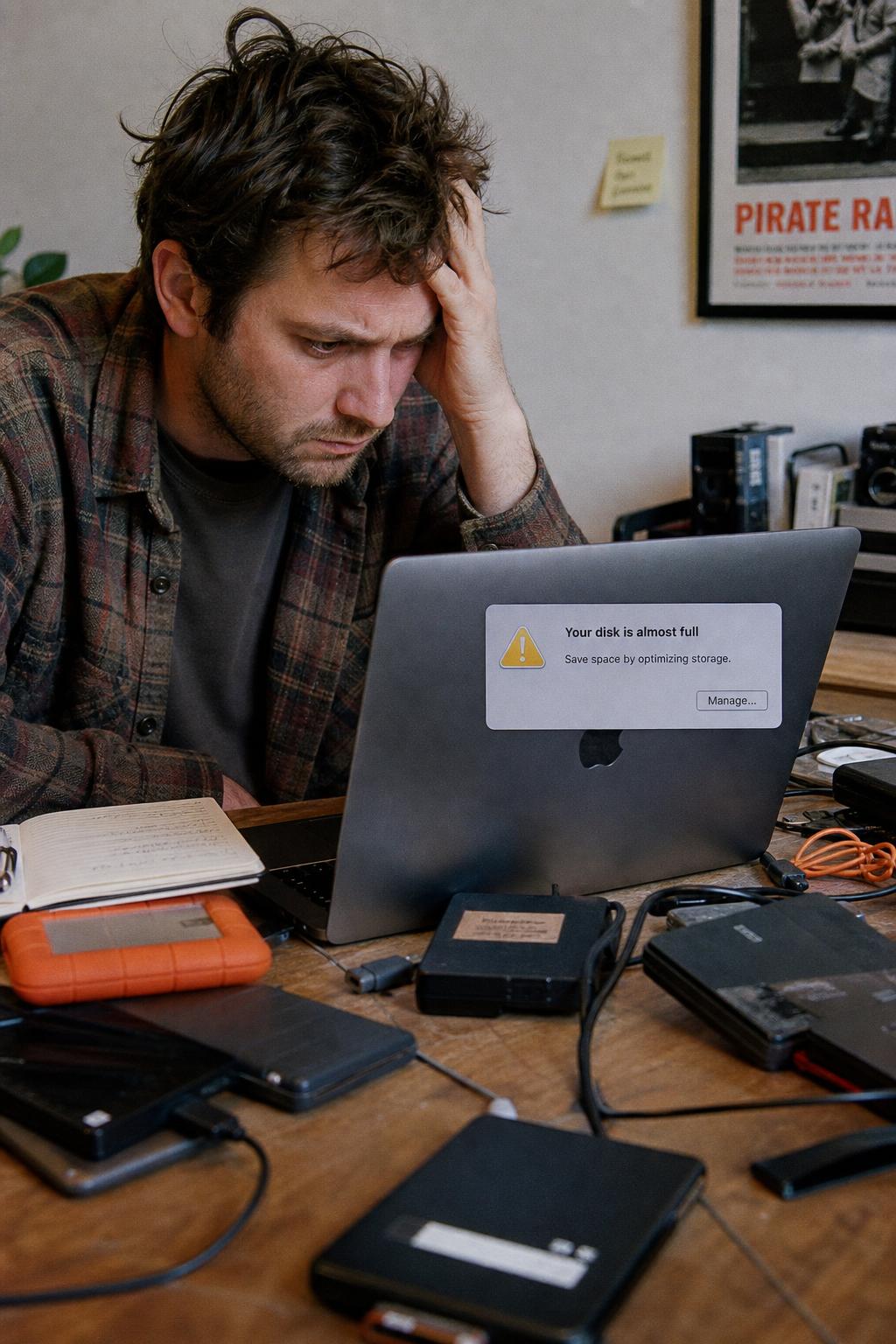
Whimsy frees up disk space without deleting files by replacing the ones you haven't used with files-on-demand placeholders. The file stays in your storage and the local copy is removed to reclaim space; open it and it downloads back automatically. It works across the clouds and drives you already own, on your own machine.
Plate 01·How it works
Online-only files, on demand.
- Frame 01
Turn files into placeholders
Files you haven't touched become space-saving placeholders — online-only files that look and act like normal files in Finder and Explorer but take up almost no disk.
- Frame 02
They come back on access
Open a placeholder and Whimsy hydrates it instantly from your storage. No data is ever lost — only the local cached copy was removed to reclaim space.
- Frame 03
Auto-dehydrate keeps space free
Whimsy automatically frees space from files you've stopped using, so your disk stops filling up on its own — without you deleting a thing.
Not just one cloud
A smart-sync alternative that isn't locked to one provider.
OneDrive Files On-Demand and Dropbox Smart Sync only reclaim space for their own cloud. Whimsy does it across every cloud and drive you already own — keep what you want on disk and let the rest stay online-only — and pairs it with search, duplicate cleanup, and backup, so one app keeps your storage both lean and safe.
Files remain accessible in Finder; they'll download when you need them again.
Plate 02·Side by side
Reclaim disk across all your storage.
Reclaims space for OneDrive only. Whimsy does it across every cloud and drive you already own — not just Microsoft's.
Smart Sync is locked to Dropbox. Whimsy pairs on-demand placeholders with search, dedup, and backup — one app, all your storage.
odrive covers multiple clouds but has no dedup or backup. Whimsy adds those in the same workspace — so your storage stays lean and safe.
See the full ledger ↓
- Reclaim disk with on-demand placeholders
- Whimsy · OneDrive · Dropbox · odrive
- Works across every cloud and drive you own
- Whimsy · odrive
- No vendor lock-in — your own storage
- Whimsy · odrive
- Plus search, dedup and backup in one app
- Whimsy only
- Free while in early access
- Whimsy only
Index — More Whimsy topics
All →- 01Find duplicates
- 02Manage all your clouds
- 03Digital asset management
- 04Deliver to clients
- 05Encrypted backup
- 06Desktop app
- 07Cut storage costs
- 08Cloud migration
- 09Shared spaces
- 10Studio workflow
- 11Catalog drives
- 12Cloud-to-cloud transfer
- 13AI photo search
- 14Send large files
- 15MultCloud alternative
- 16MCP for AI agents
- 17Zero-upload portfolio
- 18WeTransfer alternative
- 19Pixieset alternative
- 20HoneyBook alternative
- 21dupeGuru alternative
- 22Cloud storage for photographers
Questions, answered
- How do I free up disk space without deleting files?
- Whimsy turns files you haven't used into space-saving placeholders — files-on-demand. The local copy is removed to reclaim space, but the file stays safe and downloads back the moment you open it. No data is ever lost.
- What are files-on-demand / online-only files?
- Placeholders that look and behave like normal files in Finder and Explorer but take up almost no disk until you open them. Whimsy hydrates them on access and can auto-dehydrate the ones you stop using.
- Does offloading delete my files?
- No — only the local cached copy is removed to reclaim space. The file remains in your storage and reappears automatically when you need it again.
- How is this different from OneDrive Files On-Demand or Dropbox Smart Sync?
- Same reclaim-disk idea, but Whimsy does it across the clouds and drives you already own, on your own machine, and pairs it with search, dedup, and backup instead of locking you to one provider.
- Is it like odrive or Mountain Duck?
- Similar disk-reclaiming goal. Whimsy runs locally over your existing storage, manages placeholders on the folders you enroll rather than asking you to migrate, and is free while we're in early access.
- Will my files still show up in Finder and Explorer?
- Yes — placeholders appear right alongside your real files. Opening one downloads it automatically; you keep seeing your whole library even when most of it lives online-only.
- Can I choose what stays on disk?
- Yes — keep what you want local and let the rest stay online-only. Auto-dehydrate reclaims space from files you haven't touched, so your disk stops filling up on its own.
- Is it free?
- Files-on-demand runs in the free Whimsy Local desktop app — no account — during early access.