Whimsy / Digital asset management
The DAM layer for teams that
already have storage.
Category
Digital asset management
Brand & media library
Primary use
Brand assets, media, collections
Client galleries & portals
Ledger
0 Files migrated11 Storage types∞ Versions tracked1 Library, every cloud
4 measures
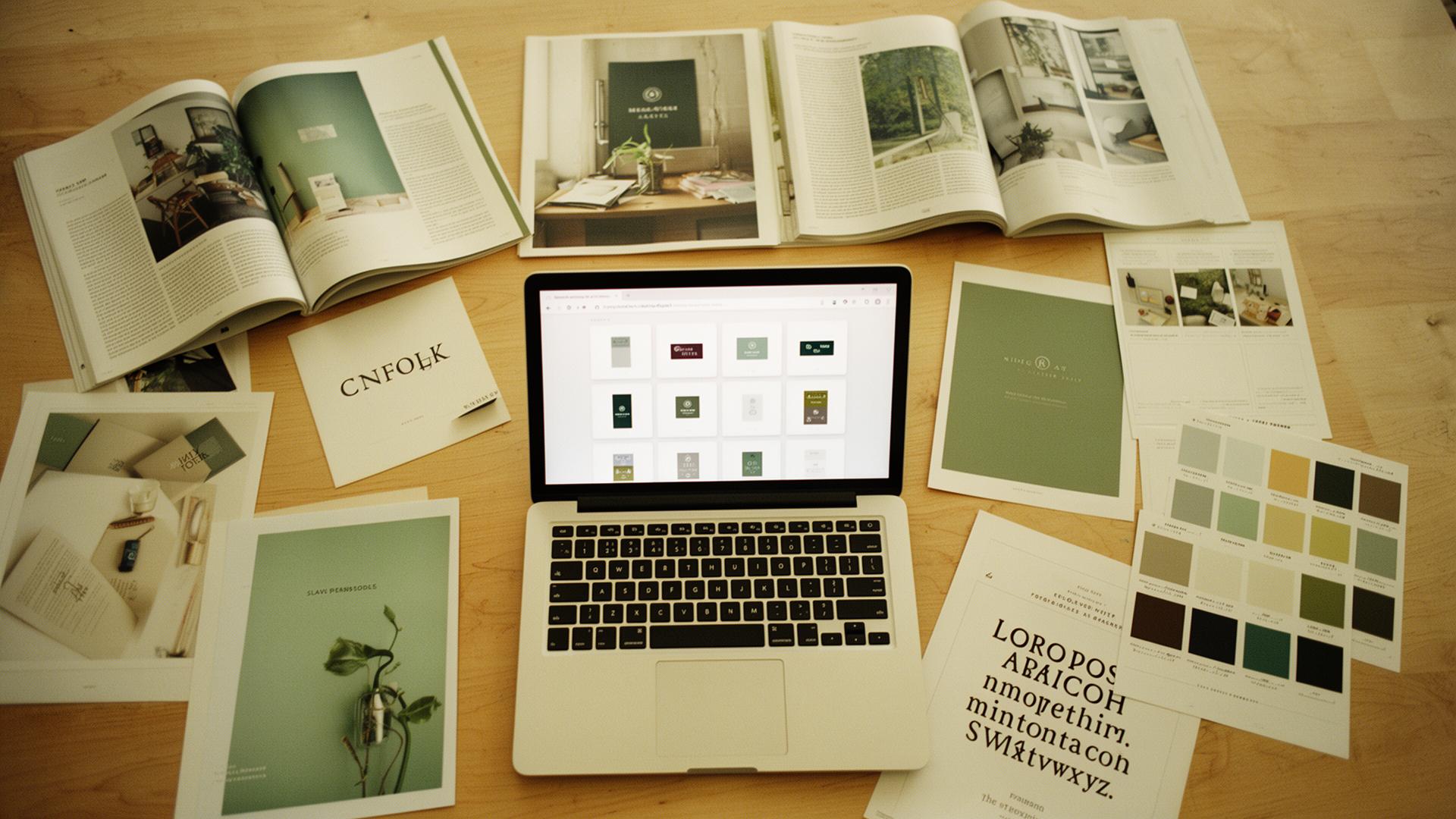
Whimsy is a digital asset management layer that sits on top of the storage your team already uses. Search, version control, brand portals, client galleries, and asset workflow across Dropbox, OneDrive, S3, R2, B2, SFTP, and WebDAV — without spinning up another silo for your brand and media library to live in.
Plate 01·How it works
One asset library, over the storage you own.
- Frame 01
One asset library across every cloud
Dropbox, OneDrive, S3, R2, B2, SFTP, WebDAV — Whimsy reads them in place. Collections, tags, and smart folders give your assets a real shape without moving a single file.
- Frame 02
Brand portals & client galleries
Publish curated views of the library as branded portals or per-client galleries. You control which collections appear, who can view or download, and how it looks.
- Frame 03
Versions, permissions & audit
Every revision is tracked. Roll back to a previous master, gate access by role, and keep a paper trail of every view, download, and share — brand asset management with receipts.
- Frame 04
Asset workflow on autopilot
Webhooks and a REST API let you wire reviews, deliveries, and archive rules into the tools your team already runs — content workflow without the babysitting.
- Frame 05
No new silo to migrate to
Your storage stays where it is. Whimsy is the DAM layer on top — not another bucket your team has to remember, fund, and back up.
For brand & creative teams
When the asset library is in seven folders and someone's drive.
Brand assets sprawl. The logos are in Drive, the campaign masters are in Dropbox, raw shoots sit on S3, and the latest deck has three near-identical versions floating around. Whimsy is the centralized hub: collections, versioning, and asset discovery on top of whatever you've already got — so the next person who needs the approved 2026 logo actually finds it.
Brand asset management without the migration.
Plate 02·Side by side
A DAM that doesn't replace your storage.
Folders and links. Whimsy adds the digital asset management layer — search, versioning, portals, audit.
Another silo your assets have to migrate into. Whimsy reads your existing storage in place — no migration, no double-pay.
Works until it doesn't. Whimsy gives you real version control, brand portals, and asset discovery without the wiki.
See the full ledger ↓
- Sits on storage you already pay for
- Whimsy only
- Brand portals + client galleries
- Whimsy · Legacy DAM
- Version control on every asset
- Whimsy · Legacy DAM
- Search across every connected cloud
- Whimsy only
- Permissions, roles & audit log
- Whimsy · Legacy DAM
- REST API + webhooks for workflow
- Whimsy · Legacy DAM
Index — More Whimsy topics
All →- 01Find duplicates
- 02Manage all your clouds
- 03Deliver to clients
- 04Encrypted backup
- 05Desktop app
- 06Cut storage costs
- 07Cloud migration
- 08Shared spaces
- 09Studio workflow
- 10Catalog drives
- 11Free up disk
- 12Cloud-to-cloud transfer
- 13AI photo search
- 14Send large files
- 15MultCloud alternative
- 16MCP for AI agents
- 17Zero-upload portfolio
- 18WeTransfer alternative
- 19Pixieset alternative
- 20HoneyBook alternative
- 21dupeGuru alternative
- 22Cloud storage for photographers
Questions, answered
- What is a digital asset management system?
- A DAM is the central place a team stores, organises, and distributes its digital assets — images, video, brand files, design source, documents. It adds search, versioning, permissions, and delivery on top of raw storage, so the right people can find and use the right file without hunting through folders.
- How is Whimsy different from Google Drive or Dropbox?
- Drive and Dropbox are storage — folders and links. Whimsy is the DAM layer on top: collections and smart folders, version history, brand portals and client galleries, audit trails, and search that actually finds the asset you mean across every connected provider.
- Can I use Whimsy as a brand portal?
- Yes. Publish a curated view of your asset library as a branded portal for clients, partners, or downstream teams. You control which collections appear, who can view or download, and how the portal is styled.
- Does Whimsy replace my storage provider?
- No — that's the point. Files stay in Dropbox, OneDrive, S3, R2, B2, or your SFTP / WebDAV server. Whimsy sits on top and adds the digital asset management layer: search, structure, versioning, portals, workflow.
- Can I version creative assets and roll back to a previous master?
- Yes. Every revision is tracked, so you can compare versions, restore a previous master, and stop emailing _final_v7. The current approved file is always the one in front.
- Does it work for agencies sharing assets with clients?
- Yes. Spin up a per-client brand portal or review gallery, share final deliverables and active drafts, and keep audit trails of every view and download — without inviting clients into your internal drive.