Whimsy / Encrypted backup
Back up your work —
keys only you hold.
What's encrypted
Files, names, folders
On your machine
Where it goes
Drive, NAS, your cloud
Or fully offline
Ledger
256 Bit AES-GCM0 Accounts required∞ Snapshots100% On-device
4 measures
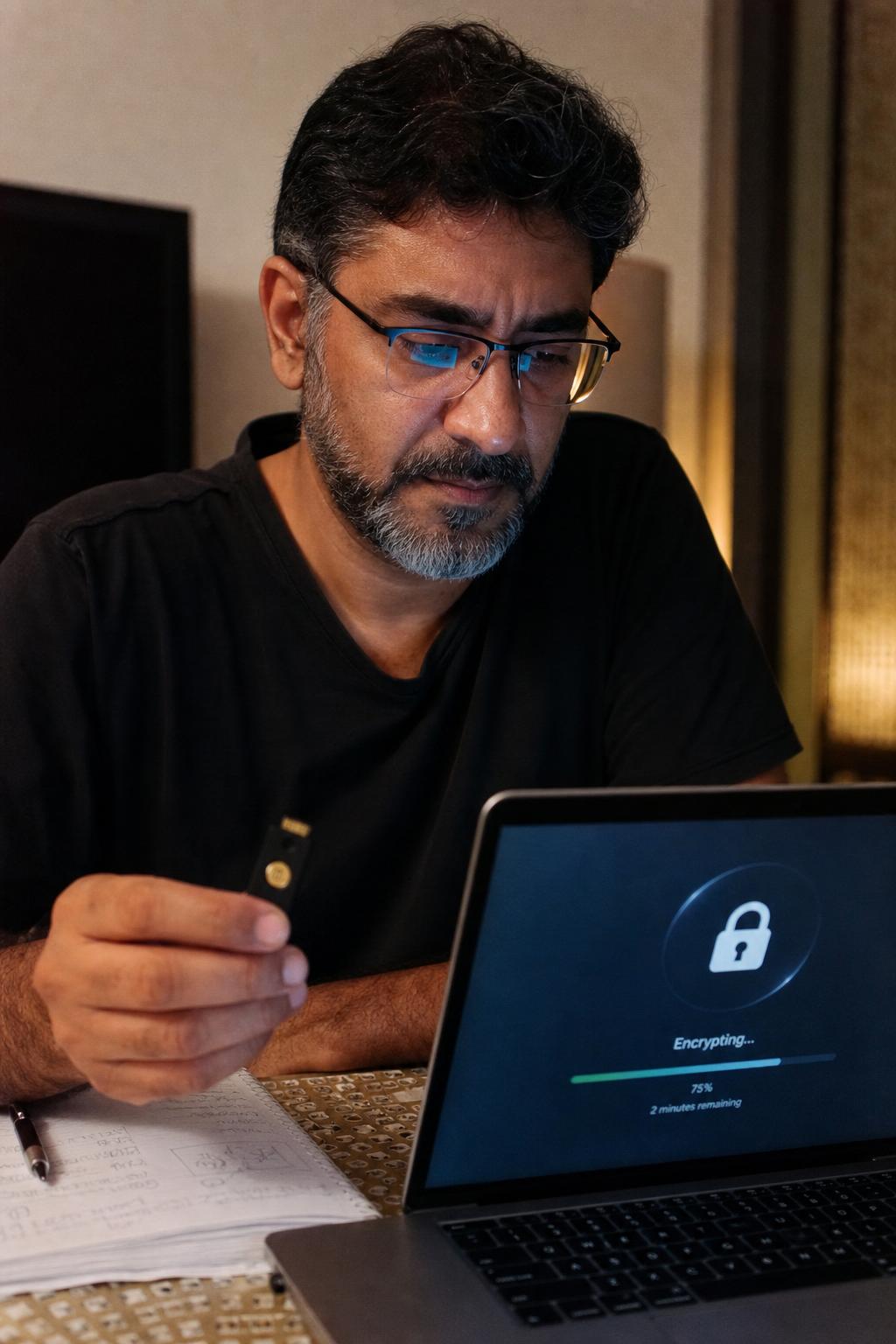
Whimsy gives you private, end-to-end encrypted backup: files are encrypted on your own machine — contents, names, and folders — with a key only you hold, then saved as versioned, point-in-time snapshots to a local drive, a NAS, or your own cloud. It runs fully offline, with no account required, so your originals never leave your control.
Plate 01·How it works
Protected in three steps.
- Frame 01
Install the desktop app
Point the Whimsy connector at the folders, drives, and NAS you want protected. No account or internet connection required to start.
- Frame 02
It encrypts on your machine
Your files, their names, and your folder structure are encrypted before anything leaves your computer — using a key derived from your passphrase that never leaves your device.
- Frame 03
Back up anywhere, versioned
Send encrypted, point-in-time snapshots to a local disk, a NAS, or your own cloud bucket — running online or completely offline, on a schedule you set.
The problem
Sync isn't backup — and trust isn't a plan.
Google Drive and iCloud mirror your files, so the moment one is deleted, corrupted, or encrypted by ransomware, the bad copy syncs everywhere. And handing your originals — and the keys to read them — to a platform you don't control is its own risk. A real backup keeps versioned copies you can roll back to, encrypted so only you can open them, on storage that's yours.
Encrypted before it leaves. Only your key opens it.
Plate 02·Side by side
Encrypted backup that's also the rest of your toolkit.
Cloud-native backup with versioning, but your files live on their servers under their keys. Whimsy encrypts on your device — only you can open what's stored.
Mirrors files but isn't a backup — a ransomware attack or accidental delete syncs everywhere. Whimsy keeps versioned snapshots only you can decrypt.
Strong client-side encryption and versioning, but it's backup only. Whimsy adds search, de-duplication, delivery and multi-cloud management in the same app.
See the full ledger ↓
- Encrypted on your machine — only you hold the key
- Whimsy · Backblaze · Arq
- Works fully offline, no account needed
- Whimsy · Arq
- Back up to local disk, NAS, and your own cloud
- Whimsy · Arq
- Versioned, point-in-time restore
- Whimsy · Backblaze · Arq
- Also de-dupes, searches & delivers across clouds
- Whimsy only
- Free to start
- Whimsy · Cloud sync
Index — More Whimsy topics
All →- 01Find duplicates
- 02Manage all your clouds
- 03Digital asset management
- 04Deliver to clients
- 05Desktop app
- 06Cut storage costs
- 07Cloud migration
- 08Shared spaces
- 09Studio workflow
- 10Catalog drives
- 11Free up disk
- 12Cloud-to-cloud transfer
- 13AI photo search
- 14Send large files
- 15MultCloud alternative
- 16MCP for AI agents
- 17Zero-upload portfolio
- 18WeTransfer alternative
- 19Pixieset alternative
- 20HoneyBook alternative
- 21dupeGuru alternative
- 22Cloud storage for photographers
Questions, answered
- Is my backup end-to-end encrypted?
- Yes. The Whimsy desktop app encrypts your files on your own machine before they're backed up — file contents, filenames, and folder structure are all encrypted, and the key is derived from your passphrase and never leaves your device. Whatever you back up to sees only ciphertext.
- Is this zero-knowledge backup — can Whimsy read my files?
- For encrypted backups, no. The encryption happens on your device and only you hold the key, so Whimsy never receives your files or your passphrase. (The web app's optional search and dedup features are separate and clearly opt-in — encrypted backup keeps everything on your machine.)
- Can I back up without an account or an internet connection?
- Yes. The connector runs locally — you can back up, verify, and restore entirely offline, with no account required. Pair it to the cloud later for remote monitoring, or never. Your call.
- Where can I back up to?
- Storage you control: a local disk, an external drive, a NAS, or your own Amazon S3, Backblaze B2, Wasabi, or other object storage. Your backup never has to live on someone else's platform.
- Isn't cloud sync already a backup?
- No. Sync mirrors your current files, so a deletion, corruption, or ransomware change syncs straight to the copy too. A real backup keeps versioned, point-in-time snapshots you can roll back to — which is what Whimsy does.
- Does it protect against ransomware and accidental deletes?
- Yes. Backups are versioned and retained on a schedule, so older, clean versions of your files stay recoverable even if the live copy is encrypted by ransomware, overwritten, or deleted by mistake.
- Can I restore a single file or an earlier version?
- Yes. Browse your snapshots and restore an individual file, a folder, or a whole point-in-time set — locally, without uploading or downloading your entire library.
- Is this a Backblaze, Arq, or Duplicati alternative?
- It covers the same job — versioned, encrypted backup you can restore from — but to storage you choose (local, NAS, or your own cloud), and alongside Whimsy's search, duplicate finding, and delivery across all your clouds.
- What can I back up?
- Your local drives and NAS via the desktop connector, plus files from your connected clouds — photos, RAW files, video, documents, and project folders.
Coda
Keep your originals safe — and yours. Two minutes to set up your first encrypted backup.
Start free →