AI Curation vs. AI Tagging: What Creators Actually Need

It is one in the morning and you are still culling a wedding gallery. Your AI tagging tool has done exactly what it promised: "bride," "groom," "cake," "first dance," "sunset," "veil." Searchable. Organized. And completely unhelpful when your client asks for the twenty images that will make her cry—in the right way.
Because what she wants is not every photo tagged "veil." She wants the single frame where the afternoon light caught the fabric just as she turned back toward the guests. The candid laugh during the best man's toast. The quiet breath before her father walked her down the aisle. Tags can retrieve those frames if you remember the right keyword. They cannot tell you which one opens the album and which one closes it.
That is the difference between AI tagging and AI curation. It is also the difference between a cloud library that stores your work and one that actually helps you finish it.
Tagging Finds. Curation Decides.
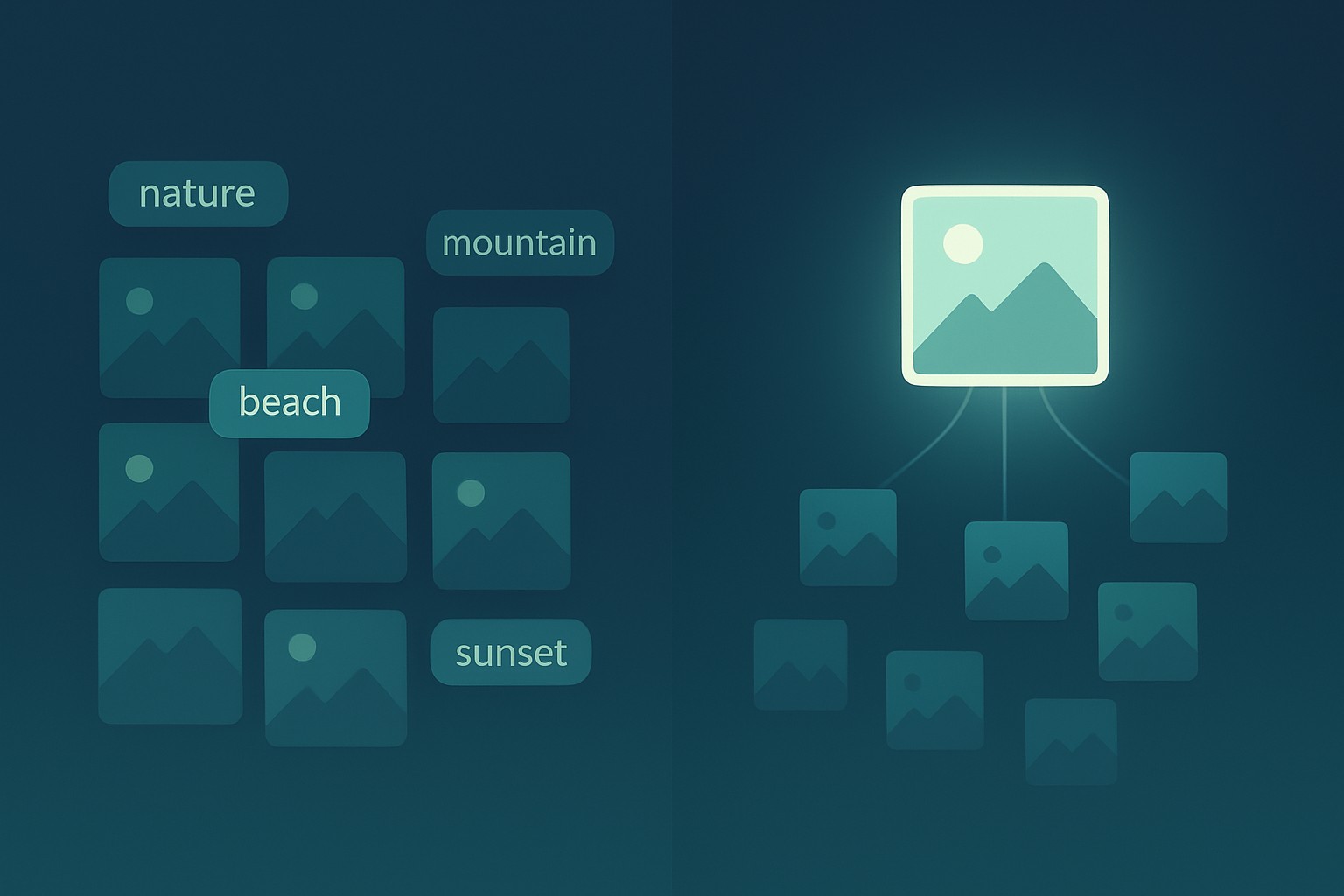
AI tagging is recognition. A model labels what it sees: people, objects, locations, colors, sometimes camera settings. The result is an index. It answers retrieval questions: "show me every beach photo," "find the ring shots," "filter by golden hour." It is a faster, smarter card catalog.
AI curation is judgment. It looks across a collection and decides which few images deserve attention, in what order, for what audience. A tag describes what is in the frame. Curation decides whether that frame should be seen at all—and if so, whether it belongs first, last, or buried. Tagging gives you search. Curation gives you a finished point of view.
Most cloud libraries and DAMs stop at tagging. They let you search for "couple, sunset, backlit," but they do not help you pick the one backlit sunset frame that should lead the client gallery. Search is a utility. Selection is the craft.
Why Curation Is the Harder—and More Valuable—Problem
Tagging is fundamentally a classification task. A keyword is either correct or incorrect, and with enough labeled data a model gets reliably good at it. Curation is a context task. The same image can be the hero shot or the discard depending on the client, the delivery format, the surrounding frames, and the story you are trying to tell.
A real edit weighs sharpness, expression, repetition, emotional arc, pacing, and the subtle moment that only matters because of what happened three frames earlier. It compresses a thousand captures into a dozen that carry more weight than the thousand ever could. That is not metadata. That is editorial decision-making.
And editorial decisions are exactly what creators get paid for. Clients do not pay for the size of your archive. They pay for the final edit, the sequence, the version that makes someone stop scrolling or open their wallet. Curation is the step that turns raw capture into finished work. Making it faster does not make it less creative. It makes you less exhausted, less blocked, and more likely to ship the gallery tonight instead of tomorrow.
How Whimsy Curates, Not Just Catalogs
Whimsy's AI Portfolio Curator was designed around this distinction. It is not a better auto-tagger. It is a curatorial assistant.
Connect any cloud where your selects and RAWs already live—Google Drive, Dropbox, Amazon S3, or wherever your work sits—and the curator surfaces portfolio-worthy shots from a shoot. It ranks them by visual strength, narrative fit, and technical quality, then suggests sequences built for client delivery. Instead of dumping two hundred maybes into a folder, it proposes a shortlist you can keep, reject, or reorder.
You remain the editor. The AI handles the mechanical first pass—spotting near-duplicates, flagging weaker technical frames, noticing when a sequence drags, suggesting an opener with emotional pull—so that at one in the morning you are making creative calls, not scrolling thumbnails.
"But AI Cannot Know My Taste"
No, it cannot. Not completely. And it should not pretend to.
Your taste is shaped by the clients you have worked with, the jobs that went wrong, the emotional beat you noticed in the corner of a frame that no algorithm could see. Whimsy does not replace that judgment. It treats curation as suggestions, not decisions. Every keep, reject, or reorder is feedback. Over time, the curator can learn your preferences without ever locking you into its choices.
The point is not to hand the edit to a machine. It is to start the edit much further along than frame one.
AI tagging made cloud libraries searchable. AI curation makes them usable. If you are tired of keywording thousands of files only to still hunt for the final dozen, try Whimsy. Connect a Cloud for Free and see what AI curation actually feels like.
Comments (0)
The views in comments are those of the author and do not necessarily reflect the views of NumeraCode. We reserve the right to remove inappropriate content.