What is Whimsy? A local-first workspace for photographers
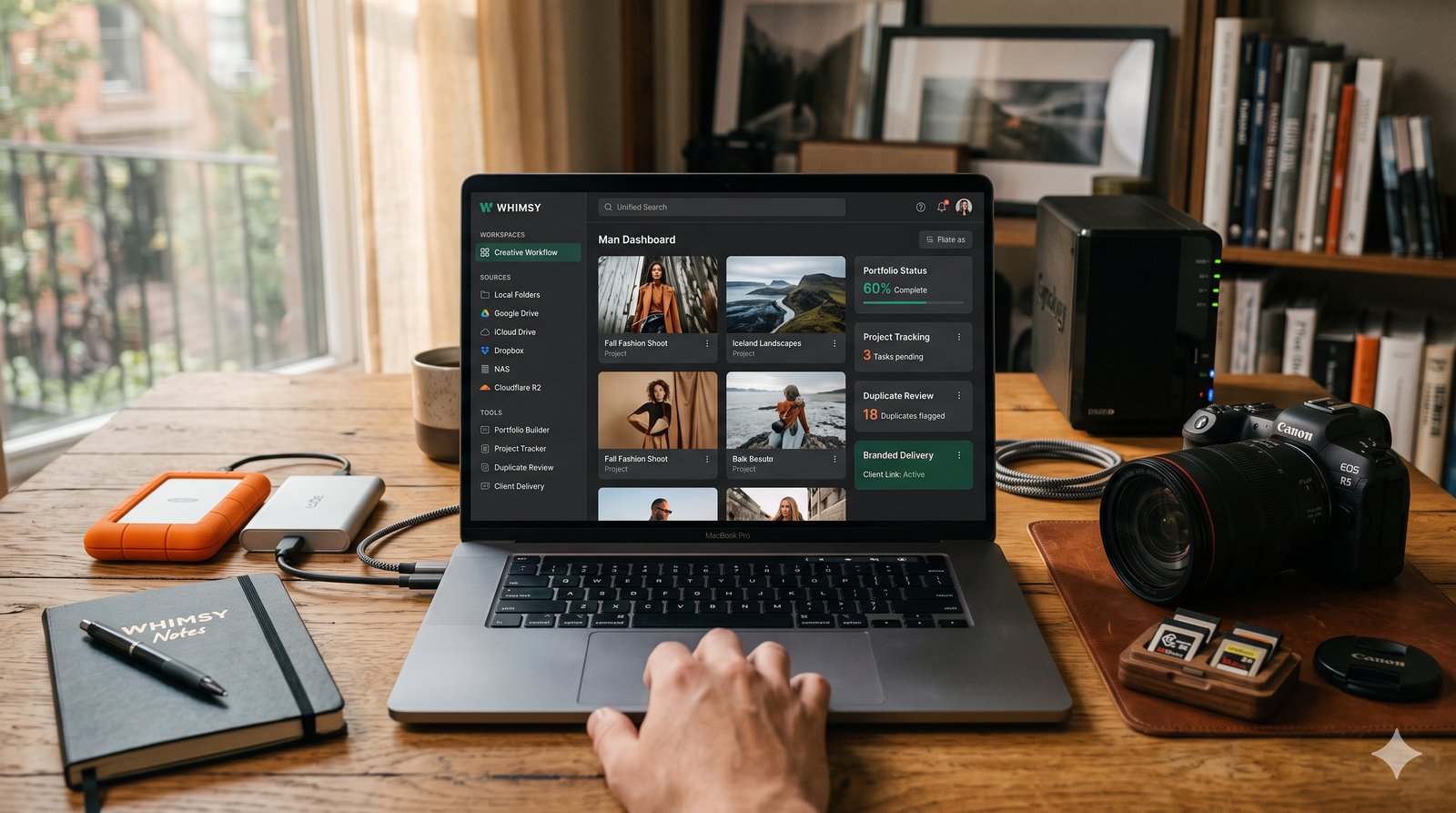
Most tools that promise to organize your creative work share one catch: hand over your files first. Upload everything into our storage. Connect your accounts. Then we will give you the workspace. Want to deliver finished work to a client? Upload it again, into their gallery platform.
Whimsy is a local-first creative workspace for photographers, videographers, and studios. It sits on top of the storage you already use — your laptop, external drives, a NAS, Google Drive, iCloud Drive, OneDrive, Dropbox, Box, pCloud, S3, Cloudflare R2 — and gives you one place to search, deduplicate, build portfolios, and deliver branded client links. Your files never move into Whimsy-owned storage, and you never upload the same file twice just to show it to someone.
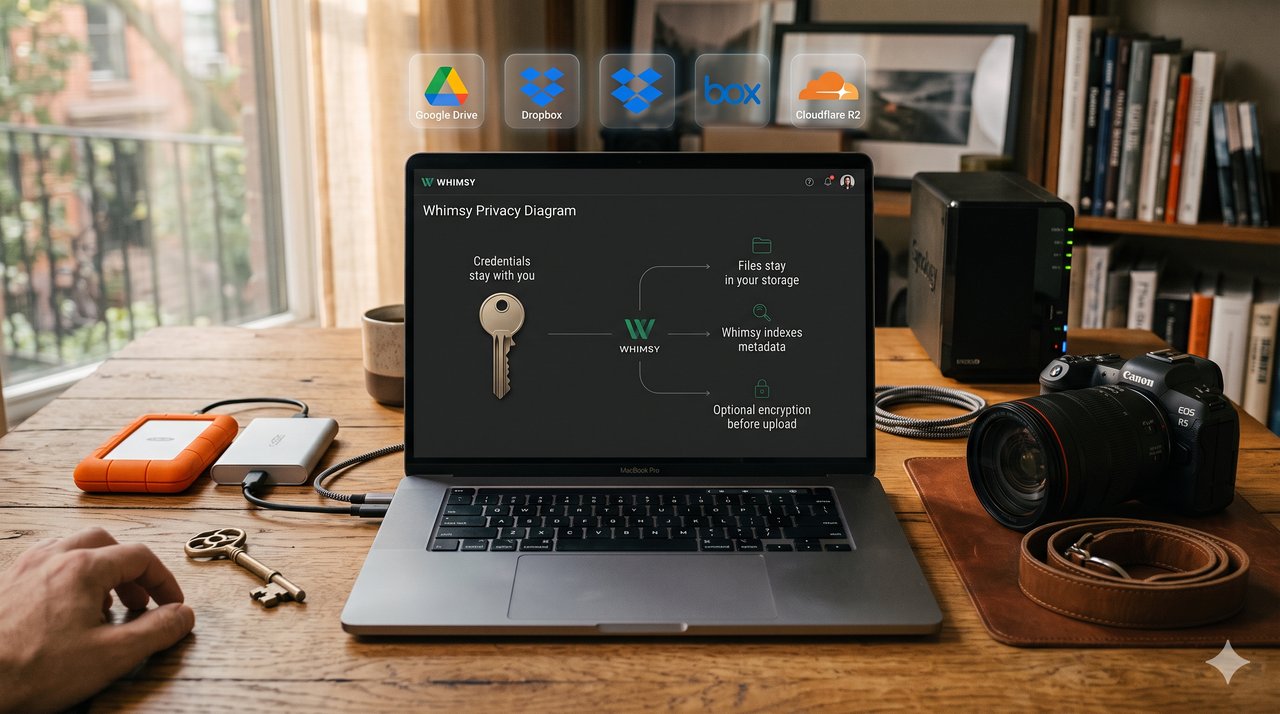
That is the whole idea: your files stay where they are, your credentials stay with you, and your client work stays in storage you control. Every part of the product is built around it.
The problem: your work is everywhere, and gallery tools want a copy
Your high-resolution work is probably scattered — RAWs on an external SSD, client docs in Google Drive, exports in Dropbox, selects in iCloud, older jobs on a NAS, and a few archive folders you forgot existed. There is no single place to search all of it, no easy way to spot duplicates across it, and no clean surface to turn your best frames into a portfolio.
Then comes delivery. Pixieset, Pic-Time, SmugMug, and the rest are built around one workflow: upload your finished work into their storage so your client can download it. Now every file lives in two places — yours and theirs — with two bills and two parties holding your client's images. Whimsy removes that second upload entirely.
How Whimsy works
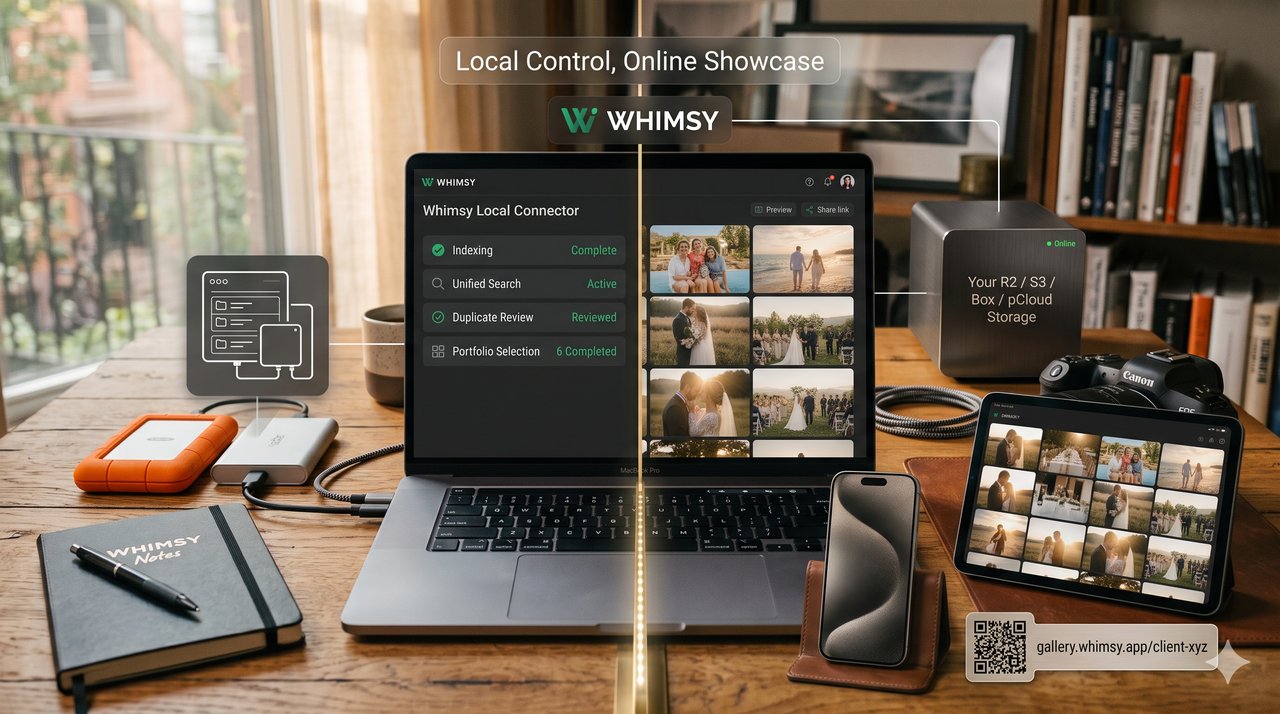
Whimsy starts on your computer, not in a browser. You install the local connector and point it at the places your work already lives: local folders, external drives, NAS volumes, and the synced folders from providers like Google Drive, iCloud, OneDrive, Dropbox, Box, and pCloud. Because those accounts are already synced to your machine, the connector indexes them without ever needing your cloud passwords — your logins stay with you.
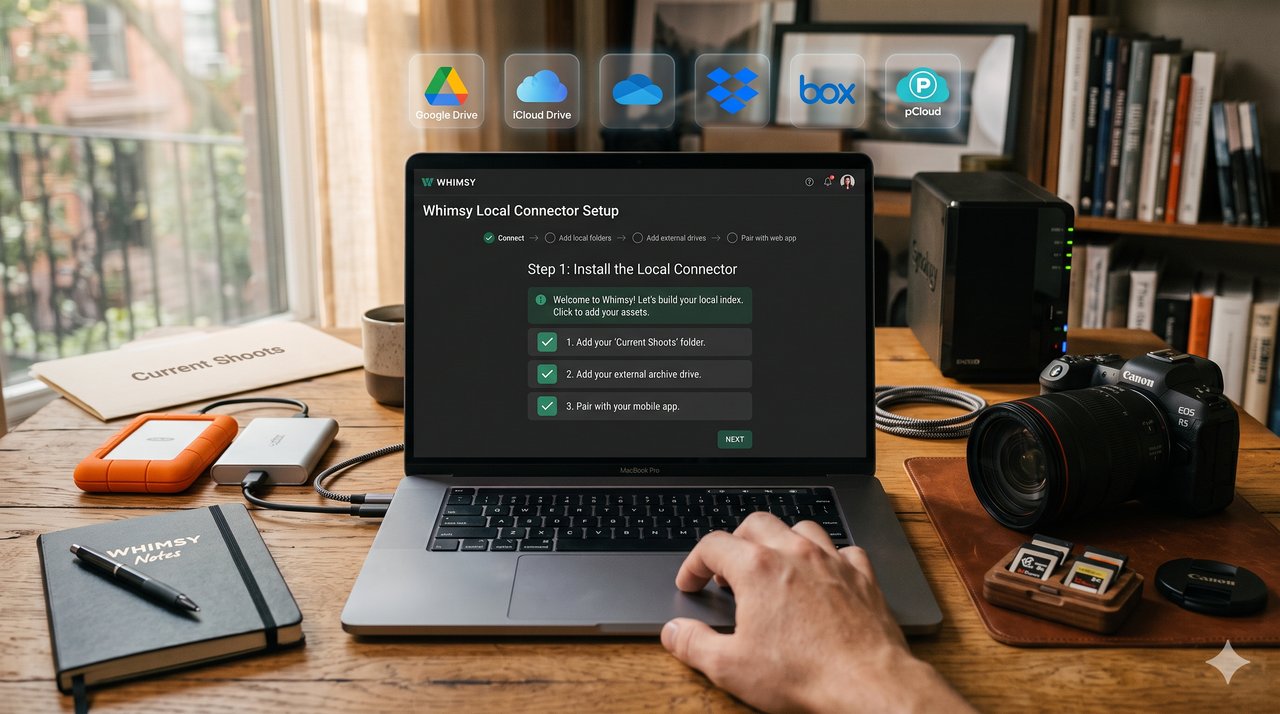
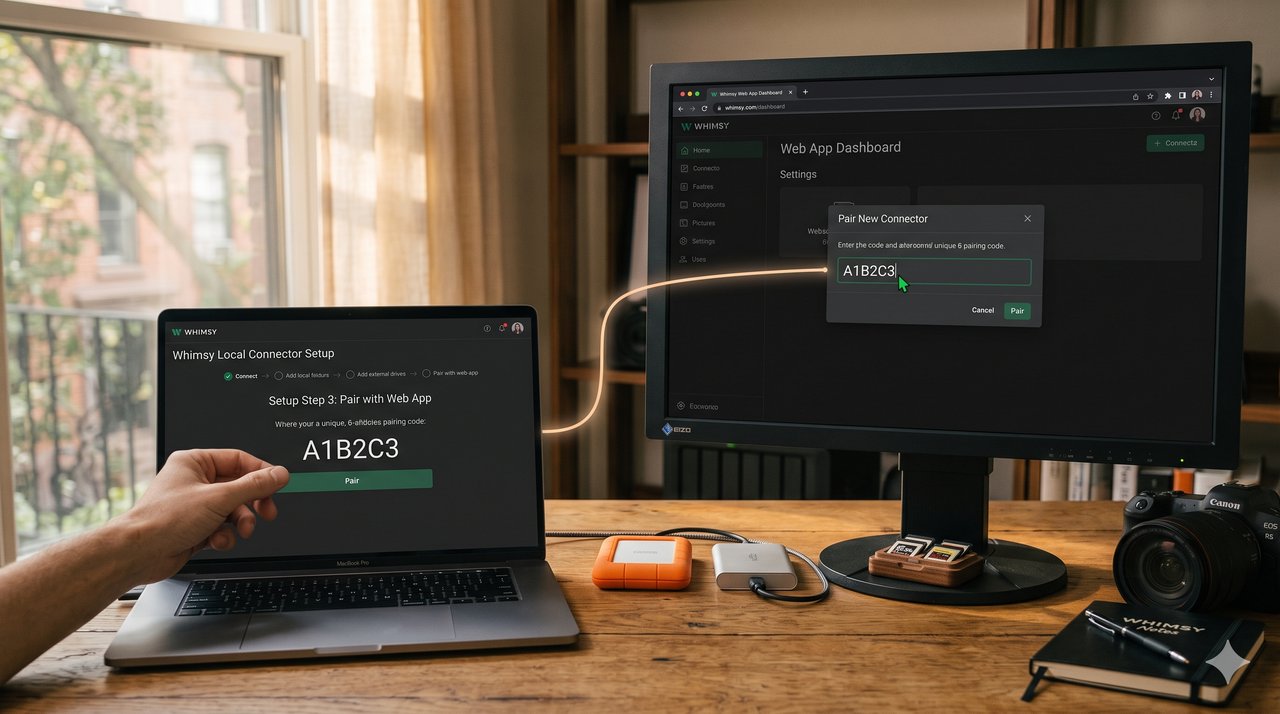
Next, you pair the connector with the web app using a one-time code. From then on the two halves work as one workspace: the connector tracks the local and synced sources on your machine, and the web app becomes the surface where you search, dedupe, build portfolios, track projects, and prepare deliveries. You get local control from your own hardware and a polished web workspace for everyday work — without your files leaving storage you control.
Find anything, then kill the duplicates
Once your sources are indexed, Whimsy is the front door to your whole archive. Instead of checking your laptop, then Drive, then Dropbox, then the NAS one by one, you search once. Look up a client name, a shoot date, a contract, a RAW folder, a final gallery — or describe what you remember seeing, like "golden hour portraits" or "rainy-day street photography," and let the local visual model pull candidates. Whimsy shows matches across every connected source and tells you which drive or account each one lives on. You can search every drive and cloud at once, even when unplugged.
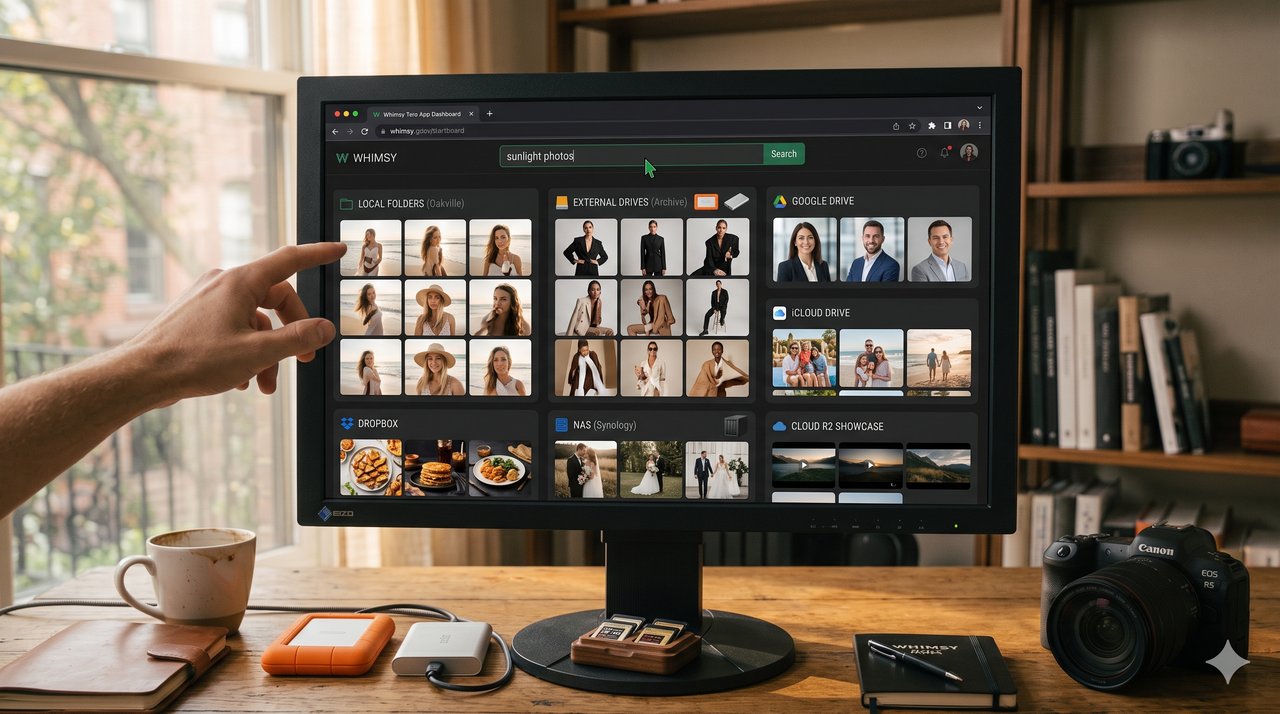
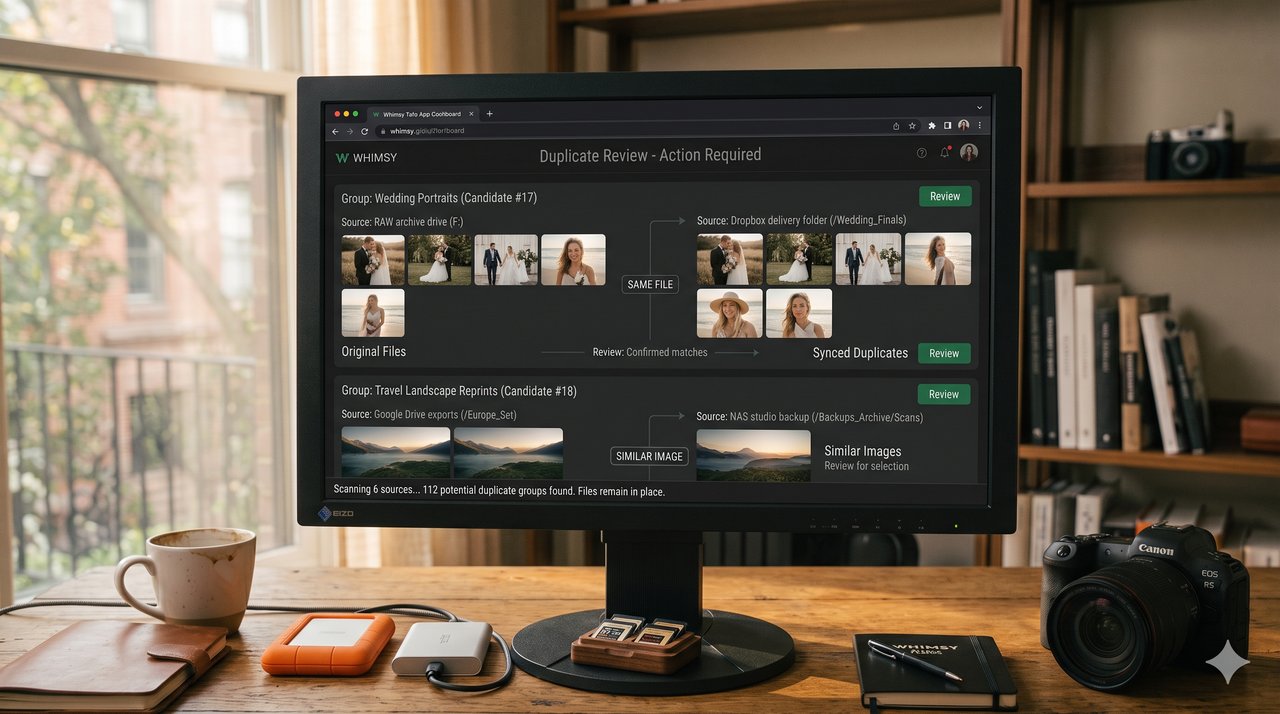
Creative libraries also collect duplicates: a gallery copied into Dropbox, selects re-exported into Drive, an assistant's extra folder on the NAS. Whimsy surfaces those duplicate and near-duplicate candidates from one place, by reading metadata across your sources — so you can clear the clutter without first hauling everything into one central bucket, and stop paying to store the same frame five times.
Portfolios that build themselves — and stay current
Whimsy is not only for finding files; it turns the archive into portfolios and keeps them fresh. Build as many as you want — outdoor weddings, luxury receptions, black-and-white portraits, food, commercial campaigns, video work — without first copying anything into a special folder. Describe the cut you want in plain language ("best outdoor ceremony images," "editorial bridal details") and Whimsy culls candidates by quality and visual style as a starting point.
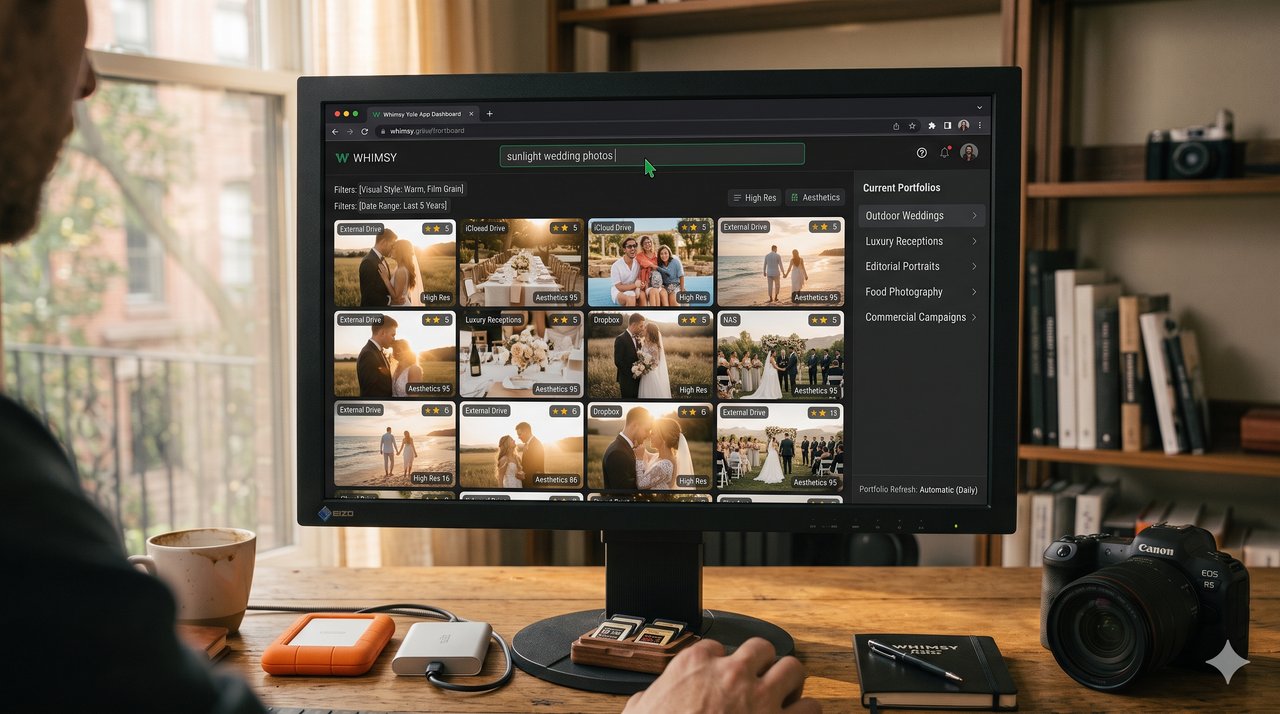
The build and the upkeep are the same workflow. As new shoots get indexed, Whimsy keeps surfacing strong matches for each portfolio's criteria, so a wedding set keeps finding better ceremony frames on its own. You stay in control throughout: drag images in, pull ones that do not fit, reorder, and update any time. Automatic culling is the fast start; manual drag-and-drop is the final say.
Deliver from your own storage
Local-first does not mean your clients wait for your laptop to be online. For a portfolio or download link to stay live 24/7, the customer-facing files need to sit in always-online storage — and that storage is still yours. Connect an S3-compatible bucket, Cloudflare R2, Box, or pCloud, and Whimsy points your portfolio and delivery links straight at what is already there. For sensitive work, the connector can encrypt files before they upload to your provider; you hold the key, so neither your storage provider nor Whimsy can read them.
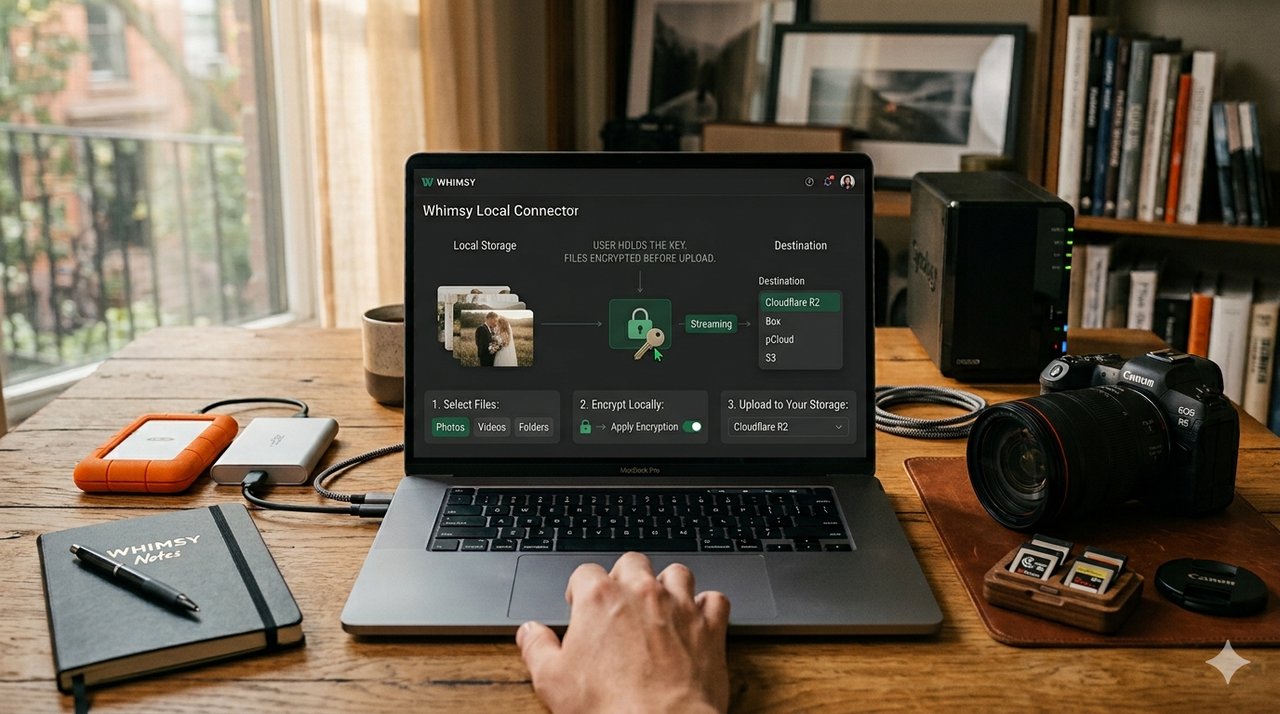
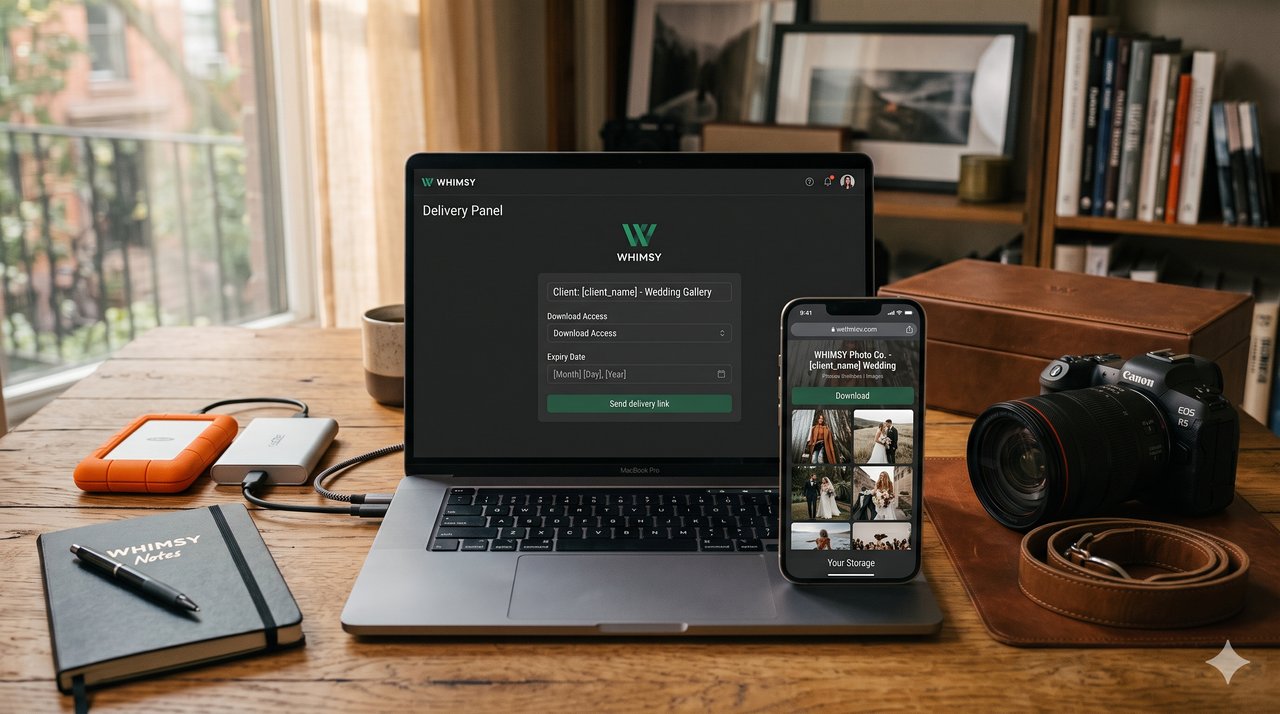
This is exactly where gallery platforms make you re-upload. Whimsy does not: no second copy, no duplicate storage cost, no client work sitting on a platform you did not choose. When a job is ready, send a branded delivery link with your own logo, download access, and an expiry date — served from your storage, pointed to the right files for the window you set. This is the bring-your-own-storage model, and it is why there is no per-terabyte lock-in to walk back later.
Whimsy vs gallery platforms vs cloud storage
| Whimsy | Gallery platforms | Cloud storage | |
|---|---|---|---|
| Where your files live | Storage you already own | Their platform | Your account |
| Second upload to deliver | None | Required | n/a |
| Unified search across drives + clouds | Yes | No | No |
| Duplicate review | Yes | No | No |
| Portfolios + branded delivery | Yes | Yes | No |
| Who holds your client data | You | The platform | You |
Whimsy is not trying to replace your storage providers or your stack of proofing and delivery tools with another silo. It works above them — adding the search, dedup, portfolio, project, encryption, and delivery layer that neither raw storage nor gallery platforms give you on their own.
Who Whimsy is for
- Photographers — wedding, portrait, event, and commercial shooters with years of RAWs, exports, and client deliveries spread across drives and clouds.
- Videographers — large project folders to organize, exports to find, and branded download links to send.
- Creative studios — shared projects, multiple portfolios, branded delivery, and storage that stays under their own control.
Frequently asked questions
Do I have to give Whimsy my cloud passwords?
No. When a provider like Google Drive or Dropbox is already synced to your machine, the local connector indexes those folders without your account credentials. Your logins stay on your side.
Where are my files stored?
Wherever they already are. Whimsy does not force your archive into Whimsy-owned storage — your photos, RAWs, exports, and deliverables stay in your own folders, drives, NAS, or buckets. Whimsy adds the workspace on top.
If files stay local, how do clients view a gallery 24/7?
Customer-facing files live in always-online storage you own — an S3-compatible bucket, Cloudflare R2, Box, or pCloud. Whimsy points the link there; it never takes custody of the media.
Can I encrypt files before they reach the cloud?
Yes. The connector encrypts files before upload to your provider, and you hold the key. Without it, neither your storage provider nor Whimsy can read the contents.
Is Whimsy a replacement for Drive, Dropbox, S3, or a NAS?
No. It works above them. Keep the storage you trust; Whimsy adds unified search, dedup, portfolios, project tracking, encryption, and branded delivery across all of it.
How is this different from Pixieset or SmugMug?
Those platforms host your delivery files on their storage, which means a second upload and a second copy of your client's work. Whimsy delivers from storage you already own — and adds search, dedup, and project tracking that gallery tools do not.
Try it
Whimsy is in beta and available to start today — the local connector, unified search, duplicate review, portfolio building, pre-upload encryption, and bring-your-own-storage delivery all work now. Keep your storage, keep your credentials, and run the whole workflow from one place. Explore the Whimsy product page to get started.
Comments (0)
The views in comments are those of the author and do not necessarily reflect the views of NumeraCode. We reserve the right to remove inappropriate content.