Where your cloud logins live in Whimsy
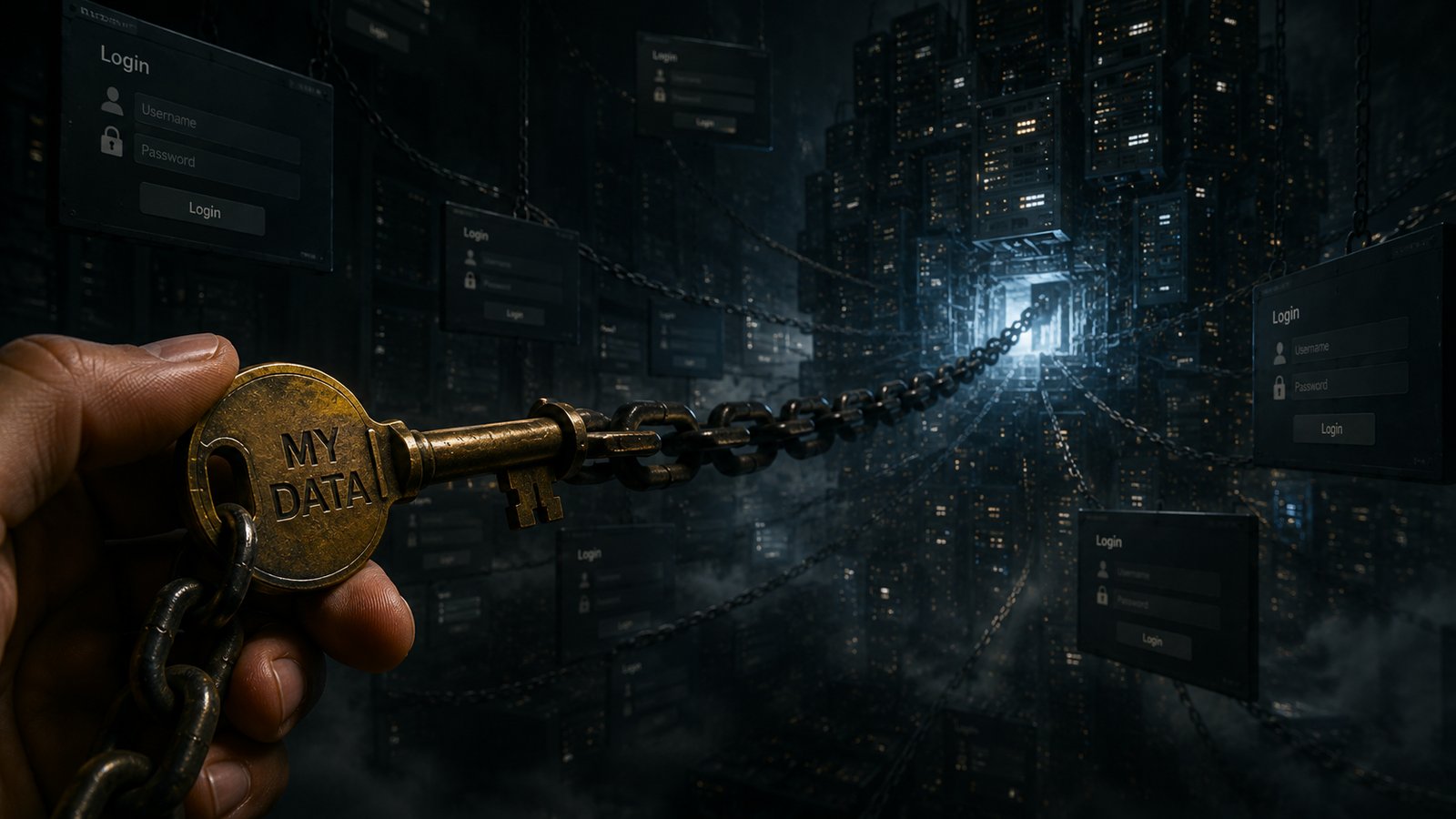
You finally found an app that promises to tame your cloud sprawl — Google Drive, the S3 bucket your portfolio runs on, the Dropbox you send clients. Then it asks you to log in to all of them, and the old unease shows up: now one more company holds the keys to your most personal accounts.
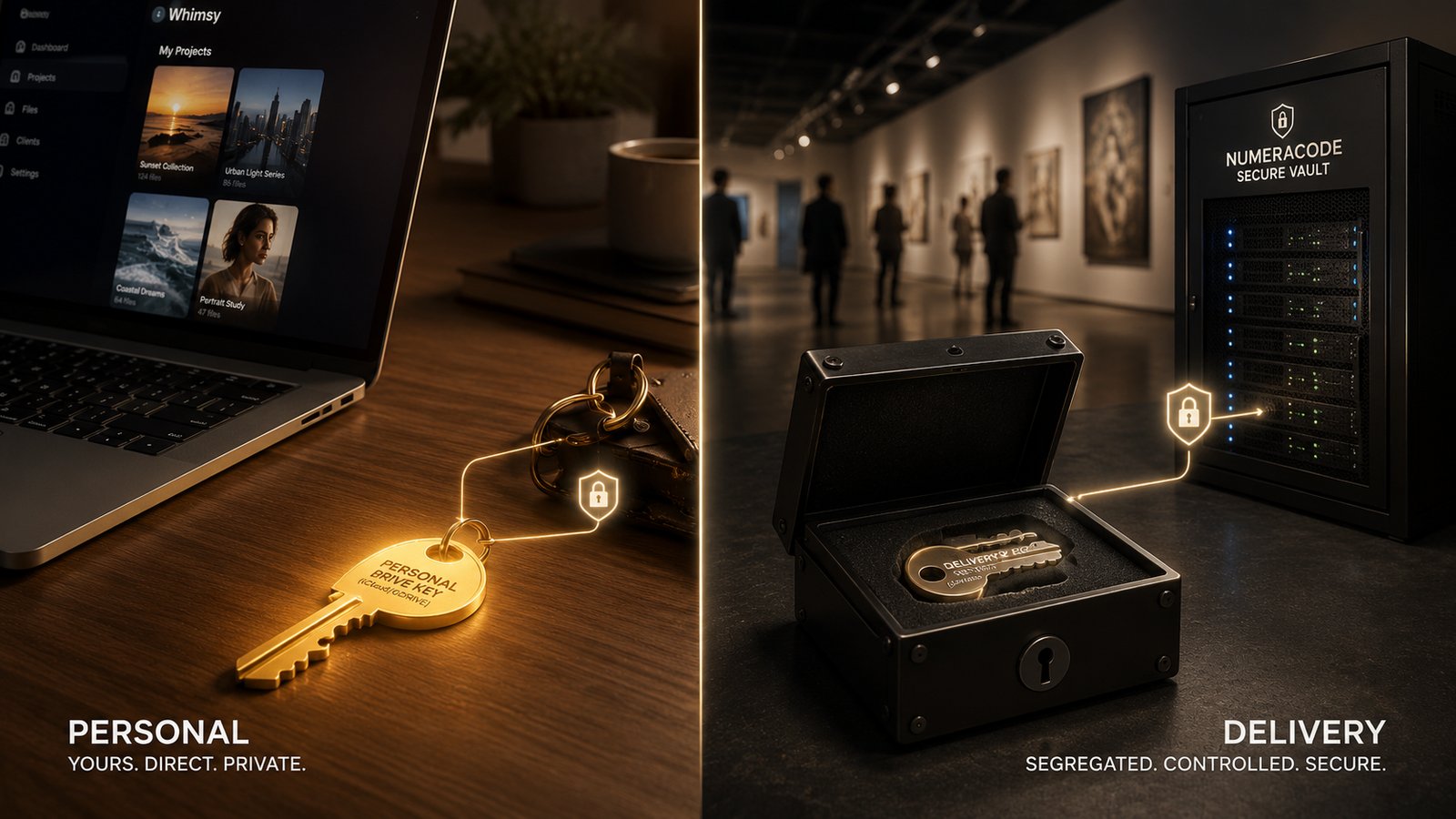
So we drew a line, and we want to be specific about where it is. In Whimsy, where your cloud login lives depends on what the cloud is for. Personal, everyday drives like Google Drive connect through the local connector, and their credentials never reach our servers. The storage that runs your public deliverables — an S3 or R2 bucket behind a showcase that has to stay online — is the one place we hold an encrypted key, because a gallery cannot go dark when your laptop sleeps. Here is the honest, build-in-public version of both halves.
Personal drives belong on your machine
Google Drive is among the most personal storage most people own. It is tied to your phone and your Google account, it churns constantly, and it is where the private stuff lives — family photos sitting one folder over from client work. That is exactly the auth you should never hand to a third party's database.
So Whimsy doesn't. Connect these through the local connector and the credential stays on your machine — in your operating system's keychain, or an encrypted file when no keychain is available. When the connector runs a job, our server sends it a work order — which account, which folder, what to do, and when the access expires — never the token itself. The key that actually opens your Drive is read locally, at the moment the work runs, and nothing about it is stored on our side.
We are taking this further: we are removing Google Drive as a web-app connection option and making it connector-only. You still reach your Drive seamlessly — the connection just runs through your own background connector, never our servers. When a web action needs a personal drive, it borrows that connector access for just that moment, instead of a long-lived token parked on our servers. If a drive is personal, your machine should be the keyholder. Full stop.
Delivery storage has to stay online
Now the other half, because pretending it does not exist would be the dishonest move. A showcase, a client gallery, a public portfolio — these have to answer requests around the clock, including when your computer is closed. Unlike your personal drives, which can simply wait until the next time you log on, a public gallery has to stay reachable on its own — it cannot go dark just because your laptop is asleep.
For that kind of always-on, public-facing storage — typically an S3-compatible bucket like AWS S3, Cloudflare R2, Wasabi, or Backblaze B2 — Whimsy stores the credential on our servers, encrypted at rest with AES-256-GCM. This is the one place we hold a key, and we hold it for a concrete reason: there is no other way to keep something public continuously available. We would rather name that tradeoff than blur it.
What "we hold it" actually means
Even for delivery storage, we keep the blast radius small:
- Encrypted at rest. Tokens are sealed with AES-256-GCM. They are not sitting in plaintext in a table.
- Direct transfers. Bytes move between cloud APIs, not through a staging server that becomes a second copy of your files.
- Detach immediately. Disconnect any account and the stored credential is deleted on the spot. The only caveat: a transfer already in flight finishes its short lease — measured in minutes — rather than dying halfway and leaving a corrupt copy.
- Minimal scope. We ask for the access a job needs, and no more.
Where we are taking this
We are not done drawing the line tighter. The next step we are designing — not shipped yet — is to capture delivery-storage credentials on the local connector and encrypt them there, before they are ever sent to the web app. That way even the keys we have to keep online are sealed on your machine first, and we only ever store an already-encrypted blob. It is the same principle pushed one layer further: your machine seals the key; we just hold the sealed envelope.
Tell us where the line should be
This is build-in-public on purpose. The local connector is in early testing, not a finished, signed download for everyone yet — and the people who care most about where their credentials live are exactly the ones who will tell us if we have drawn this line in the wrong place. So here is the one question we will leave you with: would you trade a little uptime convenience to keep even your delivery keys local-only, too? Come see what is live at whimsy.numeracode.com and tell us.
Comments (0)
The views in comments are those of the author and do not necessarily reflect the views of NumeraCode. We reserve the right to remove inappropriate content.