AI Photo Culling Software: Search RAW Files Offline
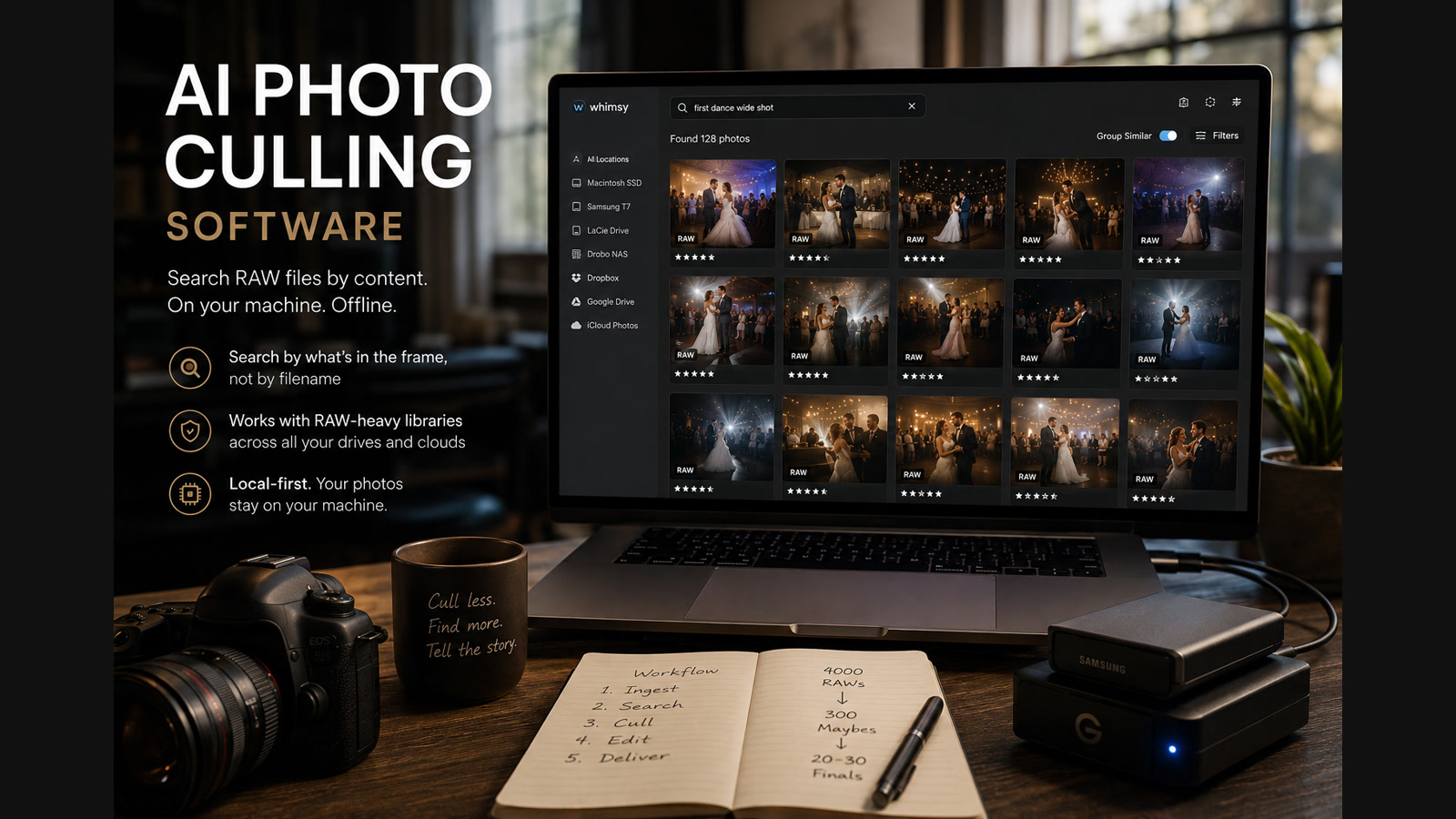
If you come home from a wedding with 4,000 RAW files and type "AI photo culling software offline" into Google, you are usually not asking a machine to replace your taste. You are asking for a faster first pass through the mess, on your own machine, before the real edit starts.
That distinction matters because the market often bundles three different promises together: AI photo search, AI photo culling, and DAM software. Photographers do not experience those as separate problems. They experience one workflow problem: too many frames, spread across too many places, with too little time to get to a believable shortlist.
The better offline AI photo manager is the one that shortens that first pass. It should help you search RAW photos by description, surface likely keepers, and work against the archive you already have instead of forcing another upload-first workflow into the middle of the job.
Visual search is part of culling
Traditional culling software expects you to move through every frame in order. Visual search flips the workflow. Instead of reviewing thousands of thumbnails linearly, you can jump straight to moments: "first kiss," "bride hugging grandmother," "groom adjusting tie," or "bride laughing during speeches."
That is not a novelty feature. It is a culling feature. Retrieval becomes part of culling because the fastest frame to reject is the one you never had to scroll past. Real first-pass editing is usually a funnel: 4,000 RAWs down to 300 maybes, then 80 proofing images, then the 20 or 30 frames that carry the story.
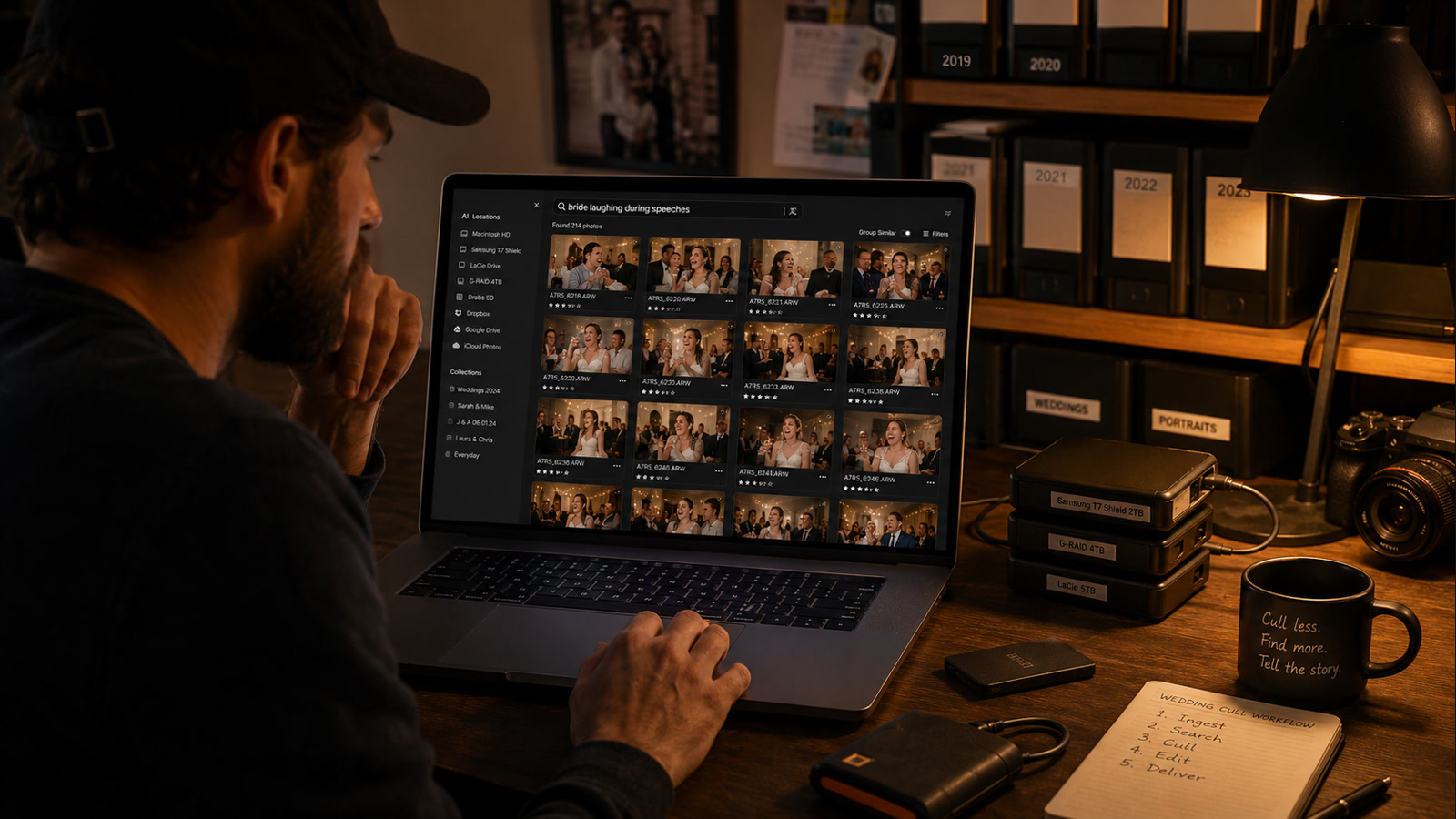
That is why so many photographers search for "find best photos automatically" even when they do not actually want automatic final selection. What they usually want is a faster way to reach the right candidates, not a machine that makes the final storytelling call for them.
Fragmented libraries are the real workflow problem
Most competitors still assume one tidy library. Most photographers do not work that way.
This year's weddings may be on the internal SSD. Last year's jobs may be on external drives. Completed galleries may live in Dropbox. Backups may be on a NAS. Personal work may be in iCloud. Lightroom may know about one part of the archive, but not the whole thing. The result is not one photo catalog. It is a stack of partial catalogs.
An offline AI photo manager that only sees one folder tree is still another partial index. A local AI image search tool becomes strategically useful only when it spans every location instead of creating one more silo. That is the moat: modern photographers rarely have one photo library. Their photos are everywhere.
What "find best photos automatically" should mean
The honest version of that promise is narrower than the headline. No serious photographer wants a model making the final artistic decision in a vacuum. "Best" depends on expression, sequence, client taste, repetition, and the emotional job the frame has to do next to the ones around it.
What actually helps is more practical:
- Surface the obvious misses faster. Weak technical frames should not compete equally with clean ones.
- Group near-identical bursts. Similar frames should collapse so the shortlist feels smaller immediately.
- Pull candidates by visual content. You should be able to ask for a moment, not a filename.
- Leave the final keep or reject call to you. The software should narrow the field, not replace taste.
That is a far better definition of AI photo organizer software for photographers. It accelerates judgment. It does not pretend to own it.
RAW support is the trust signal
RAW is not a small modifier in this query. It is the trust signal. A lot of AI search demos look fine until a working photographer asks the obvious follow-up: does it work on my actual library, or only on exported JPEGs?
The professional archive is full of files like .CR3, .NEF, .ARW, and .RAF. Filenames are usually useless. The same shoot may also include JPEG proofs, retouched masters, Lightroom exports, and delivery folders across two clouds and an external SSD. If the tool cannot do AI RAW photo search against that reality, it is not solving the professional version of the problem.
That is why "search RAW files by content" is a much stronger phrase than generic AI image search. It tells photographers the workflow was designed for the library they already trust.
Local-first matters more than offline alone
Offline is part of the story. Local-first is the bigger promise.
Photographers cull in hotel rooms, studio basements, trains, and homes with uneven internet. Many do not want unreleased client work, private family shoots, or commercial RAWs routed through a third-party AI pipeline just to become searchable. The better promise is concrete: local photo indexing happens on your machine, your files do not leave your machine just to become searchable, and the workflow still works without internet when needed.
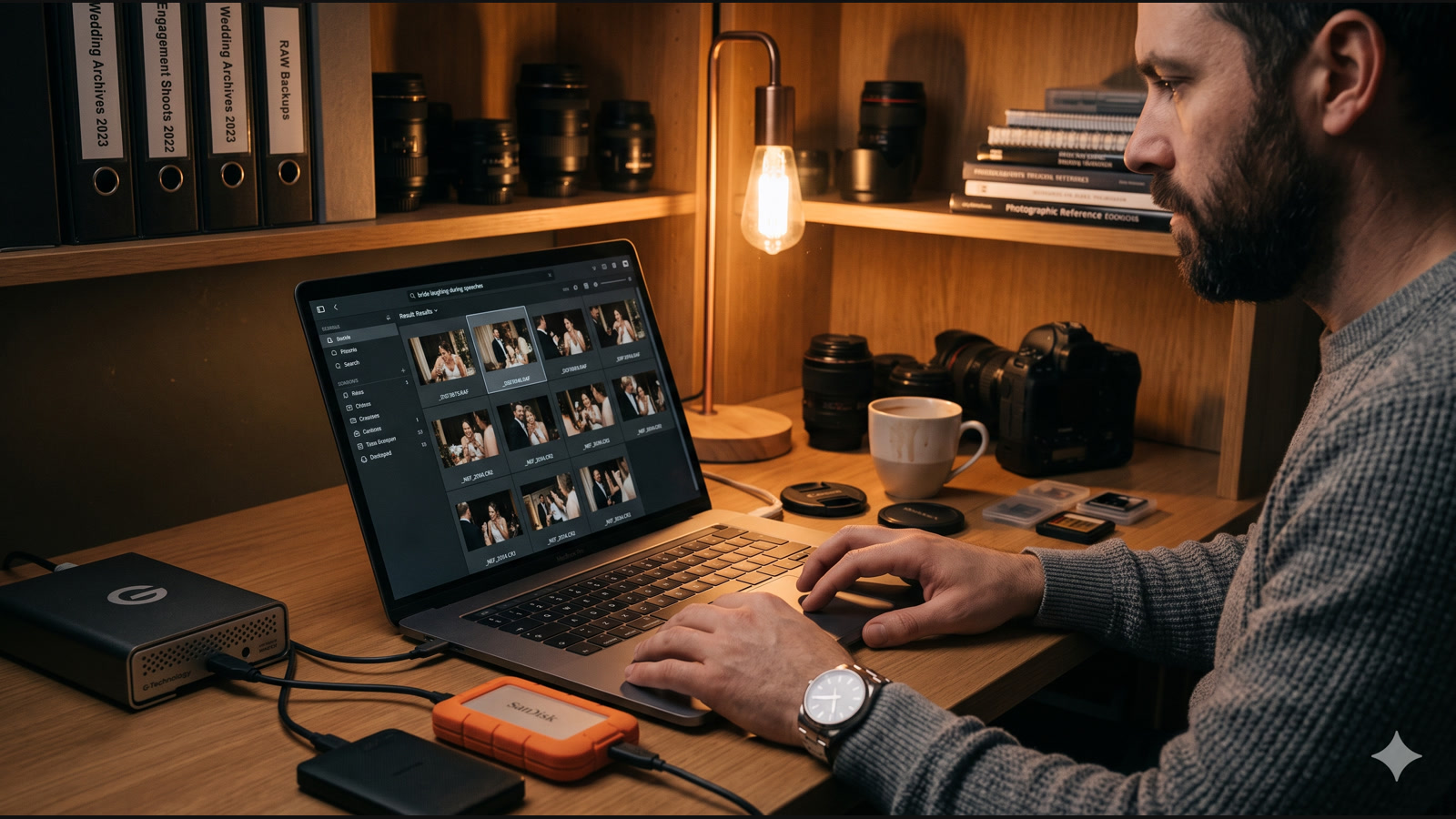
Those trust signals matter because a lot of AI DAM software still assumes the files are live, mounted, and centralized. Real archives are fragmented, partly offline, and still worth searching anyway.
Where Whimsy fits
Whimsy is strongest where AI photo search, AI photo culling, and catalog software overlap.
It is not just a cloud photo search box and it is not just a traditional DAM. Whimsy builds a local-first visual catalog across connected clouds, local folders, NAS storage, and external drives. Because it catalogs drives even after they are unplugged, you can search your broader photo archive, including RAW files on a drive sitting on a shelf, and see which disk contains the image before you plug anything back in.
If you need to search a Lightroom archive, search a photo archive from five years ago, or run AI search across external hard drives without mounting everything first, that behavior matters more than a flashy demo query. It is closer to AI DAM software for fragmented photo libraries than to another isolated search widget.
For the adjacent pieces of that workflow, Whimsy already has a deeper page on finding photos by describing what is in them, a broader post on the culling bottleneck photographers actually feel, and a separate engineering write-up on searching every drive and cloud at once, even when unplugged.
How this compares in practice
If you want AI editing recommendations: tools like AfterShoot or Narrative Select are a better fit.
If you want cloud photo search: Google Photos is still the default mental model.
If you want a traditional ingest and DAM workflow: Lightroom or Photo Mechanic still own that category.
If you want local visual search across drives and clouds: that is where Whimsy is differentiated.
What to ask before you choose software
If you are researching AI photo culling software offline, ask a stricter set of questions than "does it use AI?"
- Can it search RAW files by content?
- Can it help on the first pass, not just after everything is tagged?
- Can it run on your machine without an upload-first workflow?
- Can it search across clouds, externals, and older archives instead of one folder tree?
Those questions separate a real workflow tool from a clever demo. They also point toward the core idea behind this category: the point is not to automate taste. The point is to reach the shortlist faster.
The first pass is where photographers lose the most time. Whimsy shortens that pass by making every RAW file searchable by its visual content, even if it is sitting on an external drive that is currently unplugged. The software narrows the field. You still decide which frame tells the story. See how Whimsy fits the workflow.
Comments (0)
The views in comments are those of the author and do not necessarily reflect the views of NumeraCode. We reserve the right to remove inappropriate content.