Zero-download deduplication across clouds and offline drives
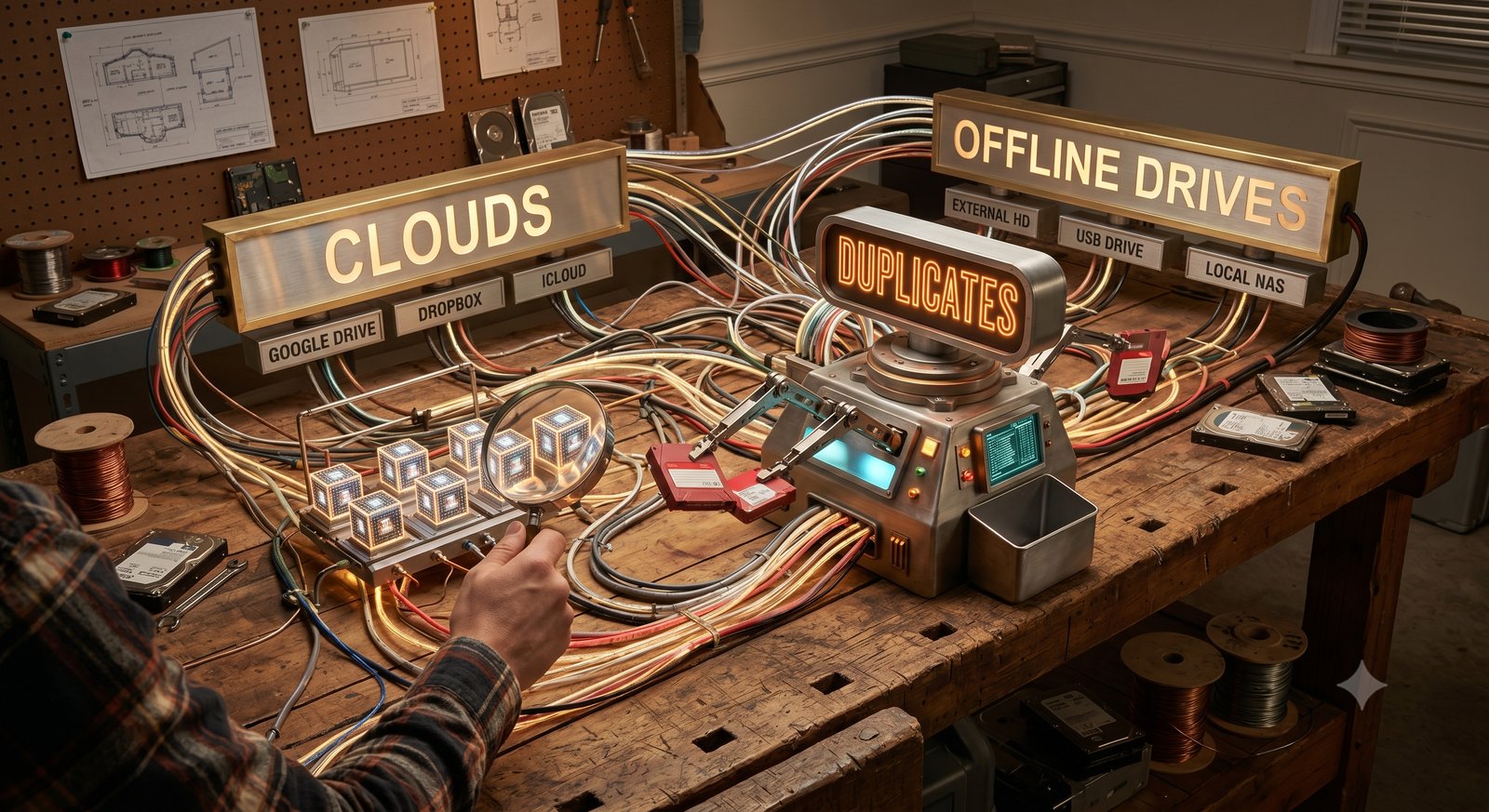
You have one photo library. It just happens to live in three places at once: a few terabytes on Google Drive, an external SSD that has been unplugged in a desk drawer since spring, and a NAS humming in the closet. Somewhere across those three is the same RAW backed up twice, the same edit exported at three resolutions, the same shoot copied "just in case." You know the duplicates are there. Finding them is the problem.
Until now, finding them meant one of two bad options: download terabytes of cloud data and pay the egress bill, or dig out every physical drive and chain it through a maze of USB hubs until they are all mounted at once. Either way you burn an afternoon before the search even begins.
Whimsy starts from a different position: a cloud drive and an unplugged SSD are the same kind of thing. Both are just a list of files with sizes and a way to read them. So a duplicate sitting in Google Drive and an exact copy on a drive in your drawer should show up side by side, in one pass, without moving a single byte of your archive.
One library, three places
The first decision was to stop treating "online" and "offline" as different kinds of storage. A cloud folder and a local folder both hand you the same three things: a list of files, their sizes, and a way to read the bytes when you ask. Whimsy talks to both the same way — list, read on demand, fingerprint, move on.
Offline drives are the harder half. A drive that is unplugged cannot be read until you plug it back in — but its catalog can. Whimsy remembers the fingerprints from every drive it has ever scanned, so a drive indexed last Tuesday still takes part in today's search while it sits in the drawer. The catalog does the matching; the files themselves are only ever read once, at scan time.

How it stays fast without hashing everything
The obvious objection: how do you compare millions of files across terabytes without grinding the machine to a halt? You don't compare all of them. Most files are ruled out before any serious work happens, because Whimsy works in cheap-to-expensive stages and almost everything is eliminated in the cheap ones.
- Group by size first. Two files of different sizes cannot be identical, so the vast majority of an archive clears in a single cheap pass. A 47 MB RAW rarely shares its exact size with anything else.
- Quick-check the survivors. When two files do share a size, Whimsy reads just the first few kilobytes and compares a fast checksum — enough to tell coincidental size-matches apart from real candidates.
- Confirm only the finalists. The slow, exact comparison runs only on the tiny set of files that survive both earlier stages. The other 99% are never touched by it.
The effect is that the expensive work scales with the number of likely duplicates, not the size of your library.
Knowing what not to open
There is a second trap: bundles that look like folders but should be left whole. A macOS Photos library, a Lightroom catalog, an Xcode workspace, a Final Cut project, a code project's dependency folder — each is a dense tree of thousands of tiny files that nobody wants deduplicated. An indexer that wanders into one can hang for hours.
Whimsy recognizes these bundles by name and treats each as a single sealed object instead of climbing inside. A 200 GB Photos library is catalogued as one entry, not eighty thousand.
The duplicates that don't match byte-for-byte
Exact, byte-for-byte matching is what the classic command-line tools do well. It is also where they fall short for creative work. Two JPEGs exported from the same RAW at different quality settings are not identical files. A photo re-saved after a one-stop exposure bump is not identical. A 4K clip and a 1080p cut of the same footage share nothing at the byte level. Yet to a photographer or editor, these are obviously the same asset.
So Whimsy looks for three kinds of duplicate, not one:
- Exact copies — byte-identical files, across any mix of clouds and offline drives.
- Look-alike photos — renamed, recompressed, color-graded, or cropped versions of the same image.
- Repeated video clips — the same footage hiding inside different exports, resolutions, or file formats.
The look-alike matching works on a sampled fraction of each image rather than the whole file, so it stays quick even on multi-terabyte libraries. And the scan runs in the background — you can browse and review existing results while it keeps working.
It never touches your originals
Two rules make this safe to run on the archive you care about most.
Nothing leaves your machine. Files are read locally just long enough to measure a size and compute a fingerprint, then closed and their contents discarded. No file is ever uploaded. Cloud accounts are connected with read-only access — Whimsy never even asks for permission to change them.
Nothing is deleted behind your back. Whimsy groups duplicates and shows them side by side, but it never moves, alters, or deletes an original on its own. There is no auto-clean and no batch-delete on exit. Every deletion is a deliberate choice you make after seeing exactly which copy lives where.
Point it at your messiest archive
Whimsy is in free early access. If your library is scattered across Google Drive, Dropbox, an S3 bucket, a NAS, and a few unplugged externals in a drawer, that is exactly the setup it was built for. Connect a cloud for free and aim it at the most fragmented storage you have. If it misses a duplicate or trips on an edge case, tell us — that feedback is what sharpens the engine.
Comments (0)
The views in comments are those of the author and do not necessarily reflect the views of NumeraCode. We reserve the right to remove inappropriate content.