Whimsy vs traditional disk catalogers
Rahul Shoy
Founder
Uwe Maier
Engineering

Traditional disk catalogers help you remember what is stored on offline drives. Whimsy builds on that idea and expands it into a modern search layer for external hard drives, local folders, NAS, synced cloud folders, object storage, and hosted workflows.
If your archive is still mostly a shelf of removable disks, a traditional disk cataloger may be enough. But if your files are spread across external drives, a laptop, a NAS, Google Drive, Dropbox, OneDrive, S3, Backblaze B2, or Cloudflare R2, you need more than a list of disconnected disks. You need a searchable storage map.
Whimsy is designed for that newer reality.
What is a disk cataloger?
A disk cataloger is software that scans a drive and saves a searchable record of its files. After the scan, you can search the catalog even when the original drive is unplugged.
This is useful for people who store files on external hard drives, USB sticks, DVDs, archived disks, or cold storage. Instead of plugging in drive after drive to find one file, you search the catalog first and only connect the drive when you know where the file is.
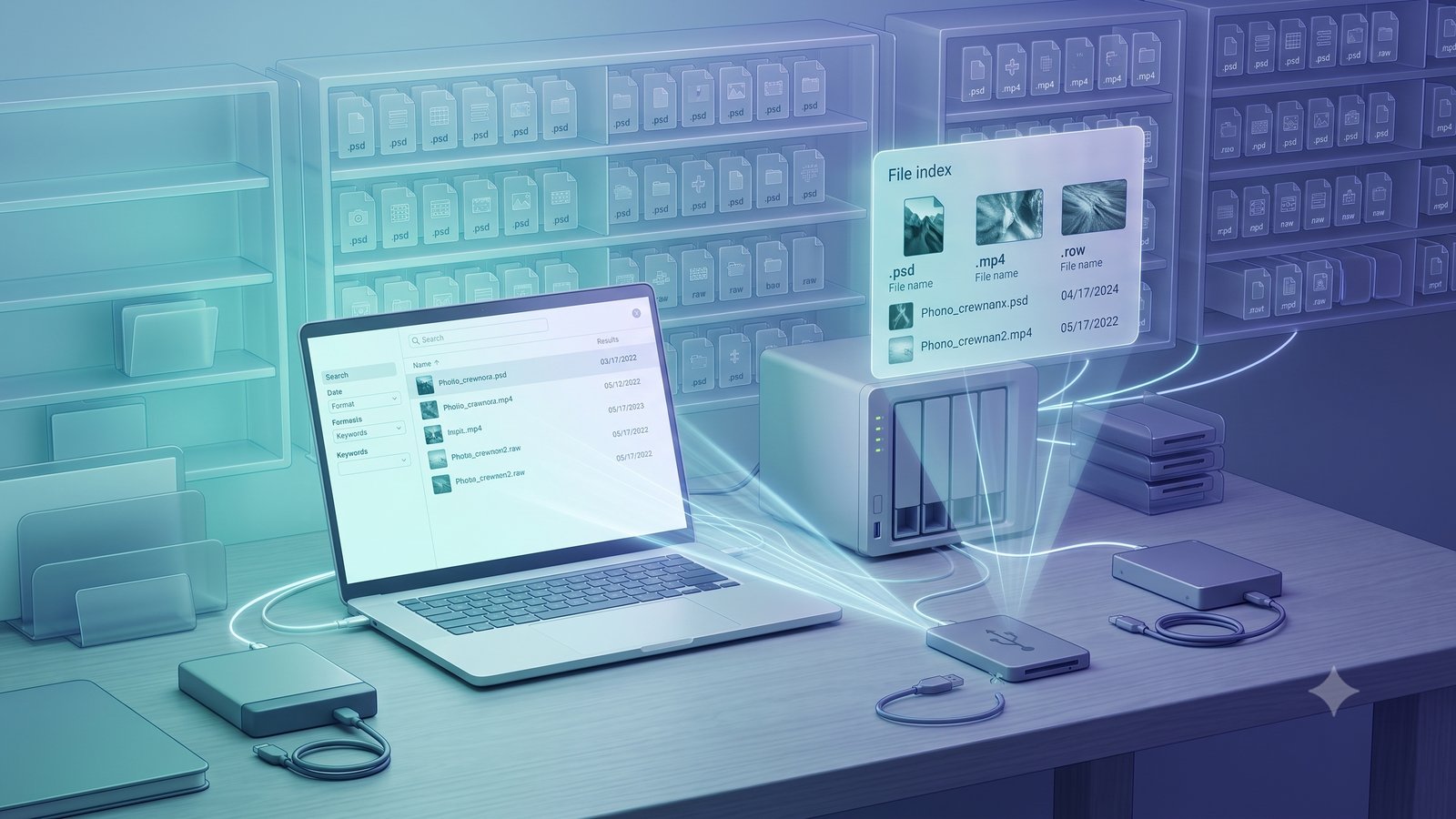
The offline drive problem
If you have used external drives for long enough, you probably know the feeling. One drive is in a drawer. Another is in the basement. Another may be in an old storage box. You vaguely remember that the green USB stick had an old desktop backup, and the 2 TB drive had your son’s birthday videos and photos.
At first, memory is enough. Eventually, it stops working. Offline drives become like old photo albums on a shelf. From the outside, they all look similar. Unless each album is labeled properly, you have to open them one by one to find what you need.
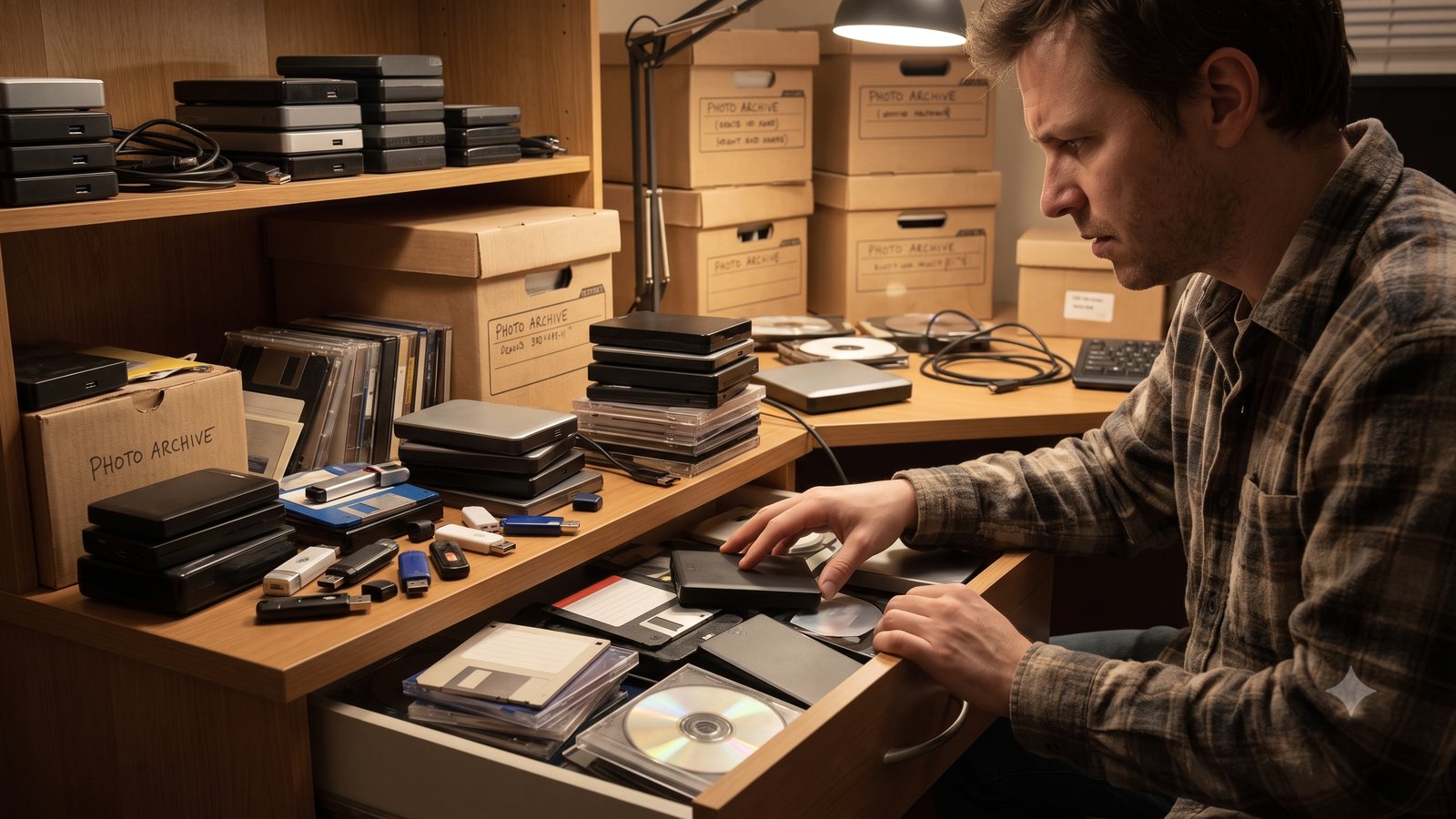
Traditional disk catalogers solve this by creating a searchable record of drives that are not currently connected. You scan the drive once, store its file list, and later search the catalog without plugging the drive back in.
That problem has not gone away. It has become bigger.
Why traditional disk catalogers are still useful
Traditional disk catalog software is valuable because it answers simple but important questions:
- Which external drive contains this project?
- What files were on this archived disk?
- Do I need to plug in this drive to retrieve the original?
- Where did I store the client exports from last year?
- Which backup contains the file I am looking for?
For people with cold storage, this is essential. Without a catalog, every search becomes physical: plug in a drive, wait, search, unplug, repeat. A disk cataloger turns that process into a searchable index.
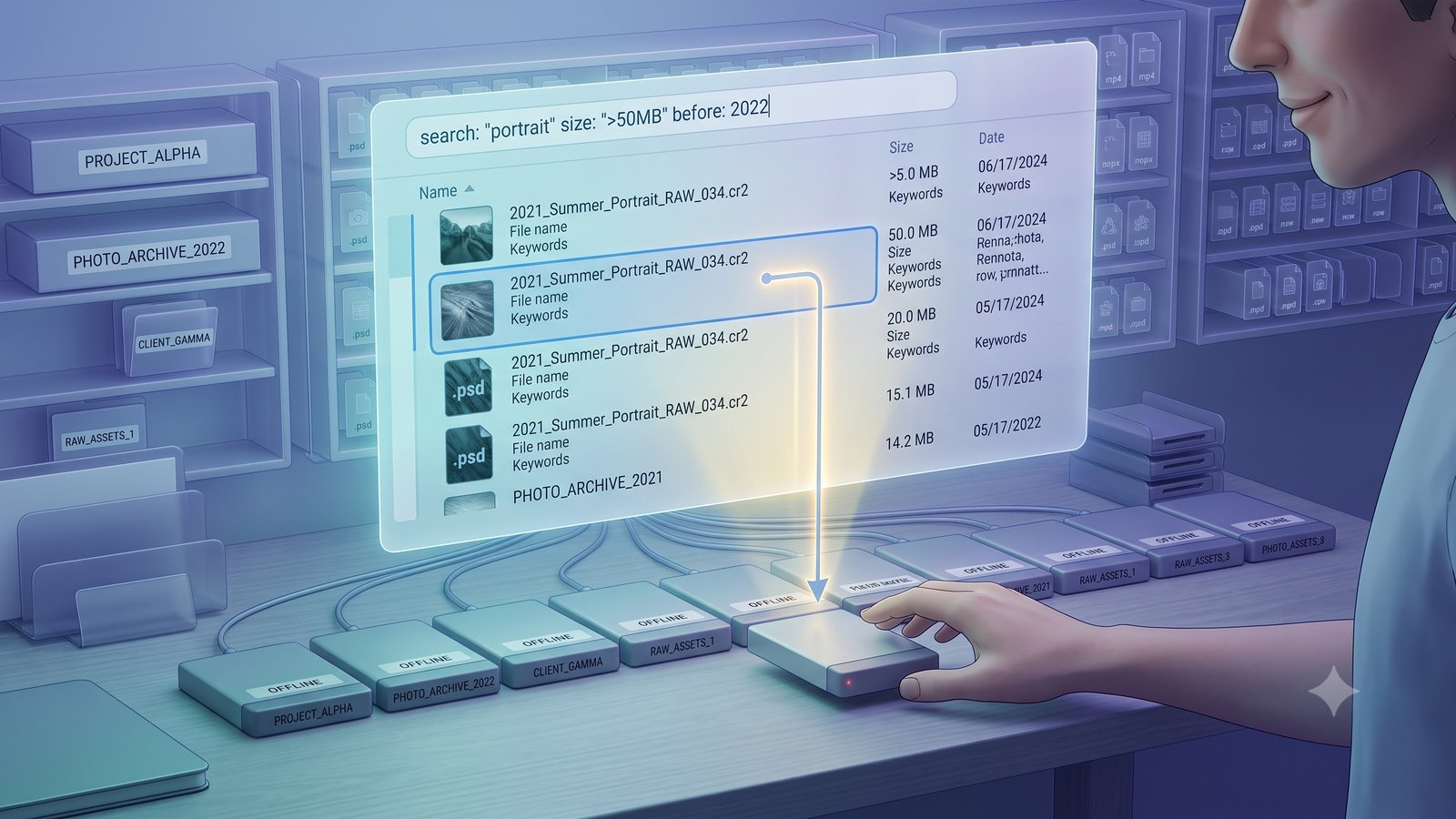
Where the old disk cataloging model breaks
The old model assumes your archive is mostly made of disks. Today, that is rarely true.
A photographer may have RAW files on external drives, previews on a laptop, finals in a cloud folder, and archives on a NAS. A video editor may have camera originals on removable storage, proxies on a local SSD, renders in cloud storage, and project files shared with collaborators.
The archive is no longer one disk library. It is a storage map. That is where Whimsy differs.

What makes Whimsy different?
Whimsy keeps the disk-cataloging idea but expands it into a broader file intelligence layer. Instead of only asking, “Which disk is this file on?”, Whimsy is designed to help answer a wider set of questions:
- Where does this file live?
- Is it on an external drive, local folder, NAS, cloud folder, or object storage bucket?
- Can I search the catalog before mounting storage?
- Can I browse the archive without uploading everything first?
- Are there duplicates across different storage locations?
- Can I use hosted features to share, sync, or coordinate files across devices?
This makes Whimsy useful not only for offline drives, but for hybrid archives that span local, network, cloud, and hosted storage.
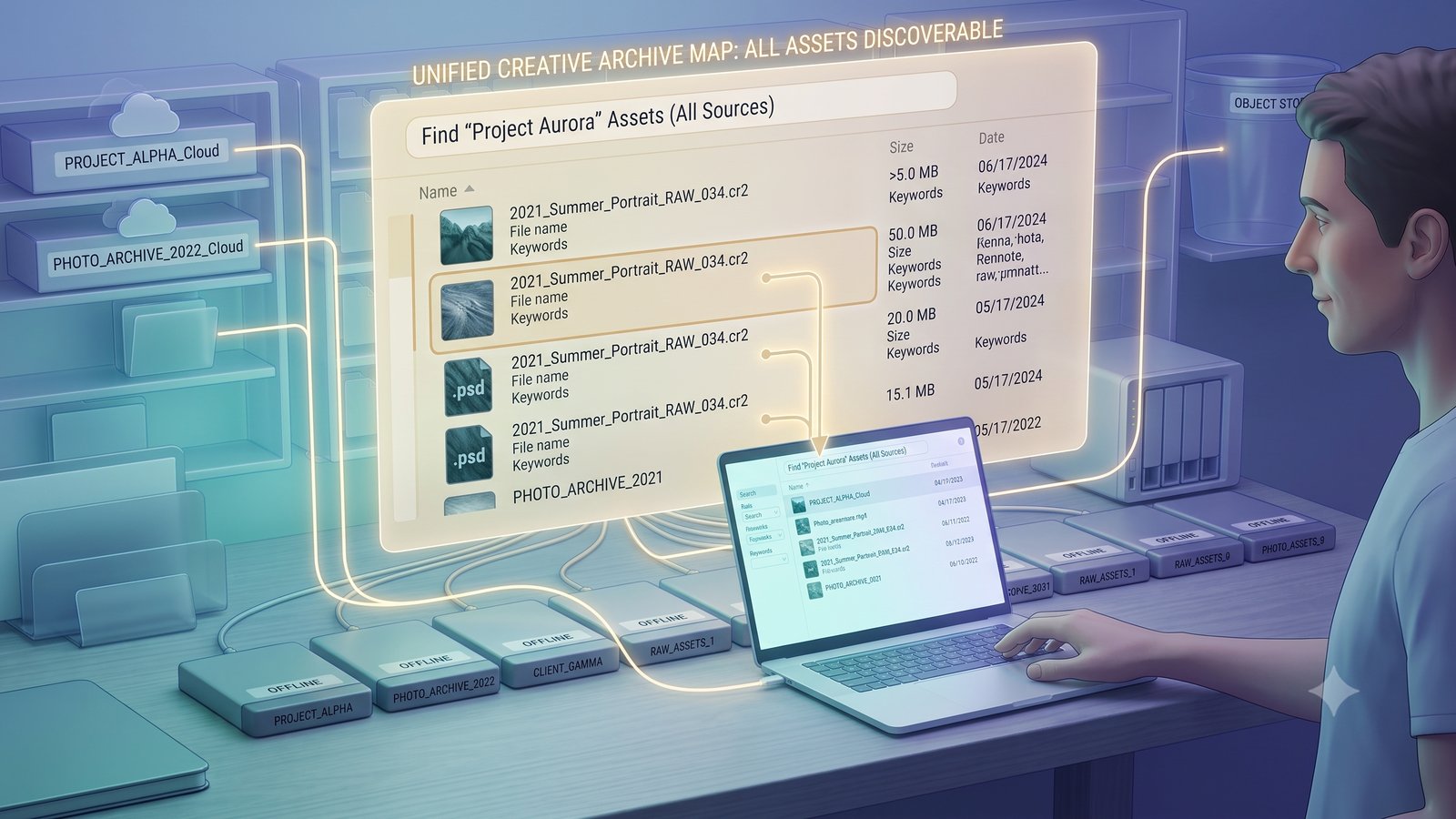
Traditional disk cataloger vs Whimsy
| Feature | Traditional disk cataloger | Whimsy catalog layer |
|---|---|---|
| Search offline external drives | Yes | Yes |
| Catalog USB drives and archived disks | Yes | Yes |
| Search local folders and SSDs | Yes | Yes |
| Search NAS and network shares | Partial, often requires mounting | Yes, through local scanning |
| Search synced cloud folders | Limited | Yes |
| Connect cloud accounts | No, or limited | Yes, depending on connection type |
| Object storage support such as S3, B2, or R2 | No | Yes |
| Cross-storage duplicate detection | No | Yes |
| Visual search and AI-assisted discovery | No | Yes |
| Hosted sharing and collaboration | No | Optional hosted workflow |
| Local-first indexing | Yes | Yes |
Local-first search instead of upload-first search
Many modern tools solve search by asking you to upload everything first. That works for some people. It does not work for everyone.
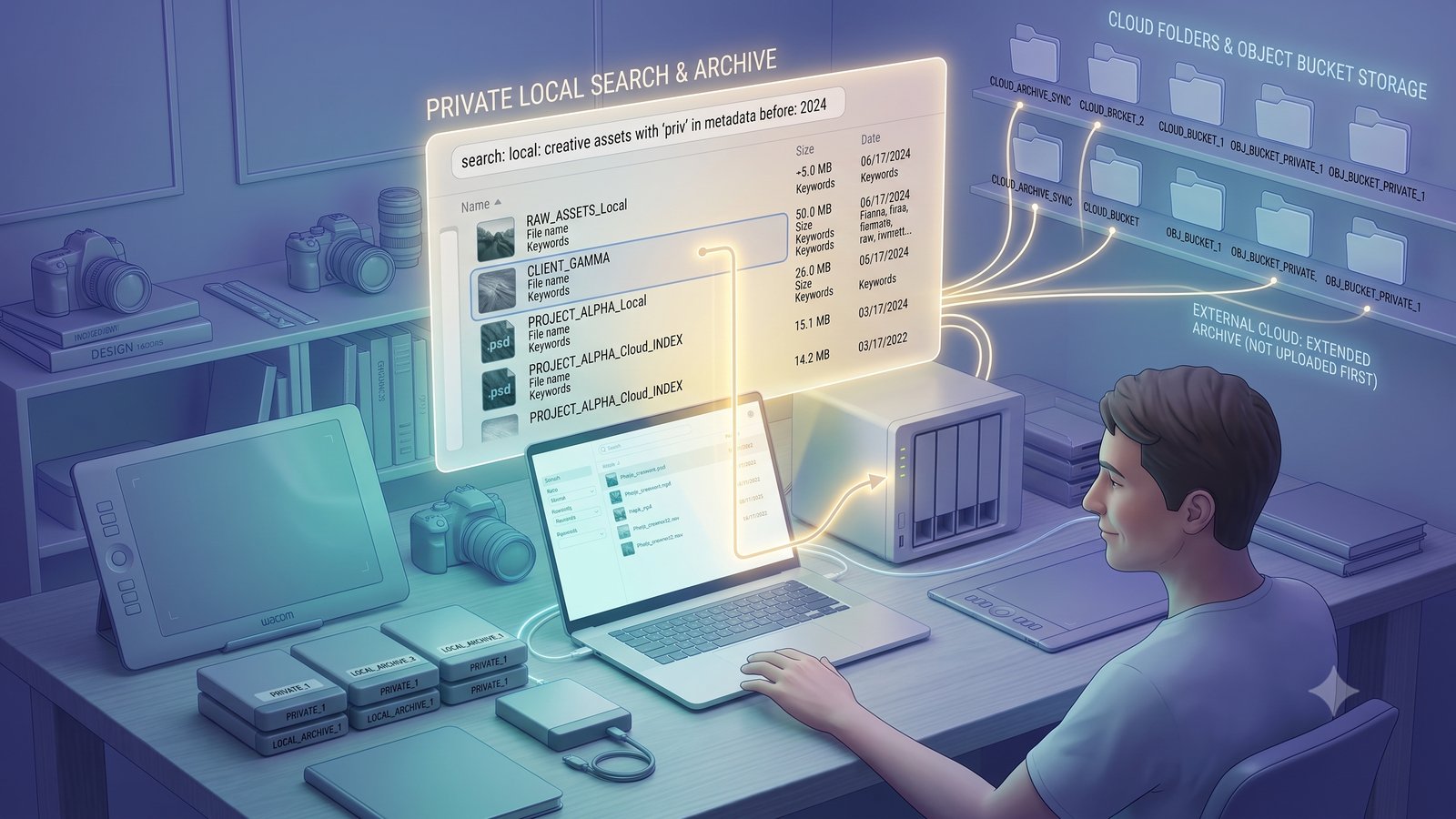
Large creative archives can be too big, too expensive, too private, or too distributed for upload-first software. A photographer or studio may have terabytes of files across external drives, NAS storage, synced cloud folders, and object storage buckets. Uploading everything into one new cloud is often not realistic.
Whimsy’s local-first approach lets users start with the storage they already have. Your local files, drives, NAS, and synced folders remain the foundation. Hosted web features can be added when you need cross-device access, sharing, vaults, collaboration, or more advanced coordination.
Who should use a traditional disk cataloger?
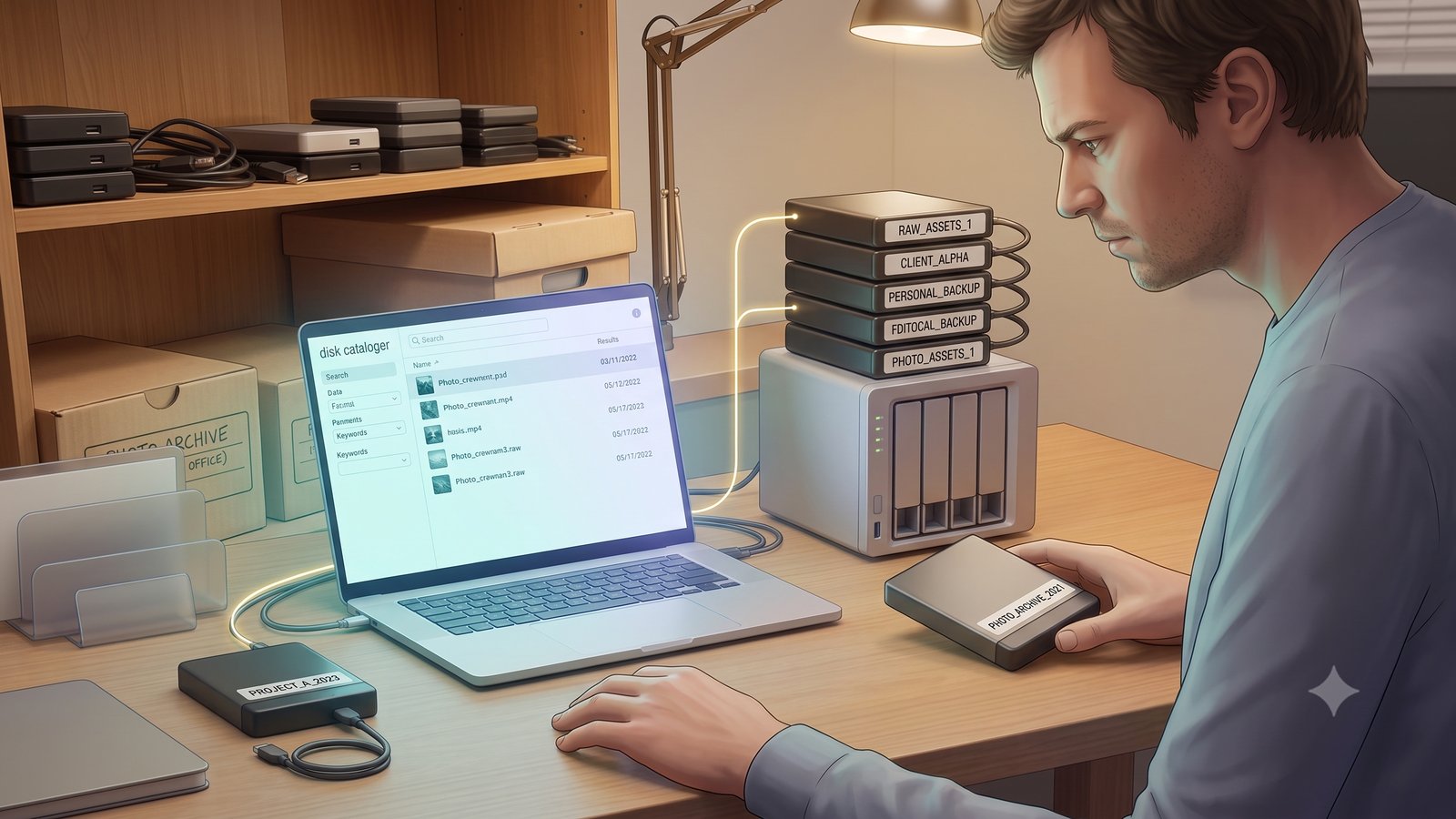
A traditional disk cataloger is a good fit if your main problem is simple offline drive tracking.
Choose a traditional disk cataloger if:
- Most of your archive is on external drives or disks.
- You mainly need file names, folder paths, and disk labels.
- You do not need cloud storage integration.
- You do not need hosted sharing or team workflows.
- You want a simple searchable index of offline media.
For many personal archives and cold-storage workflows, this may be enough.
Who should use Whimsy?
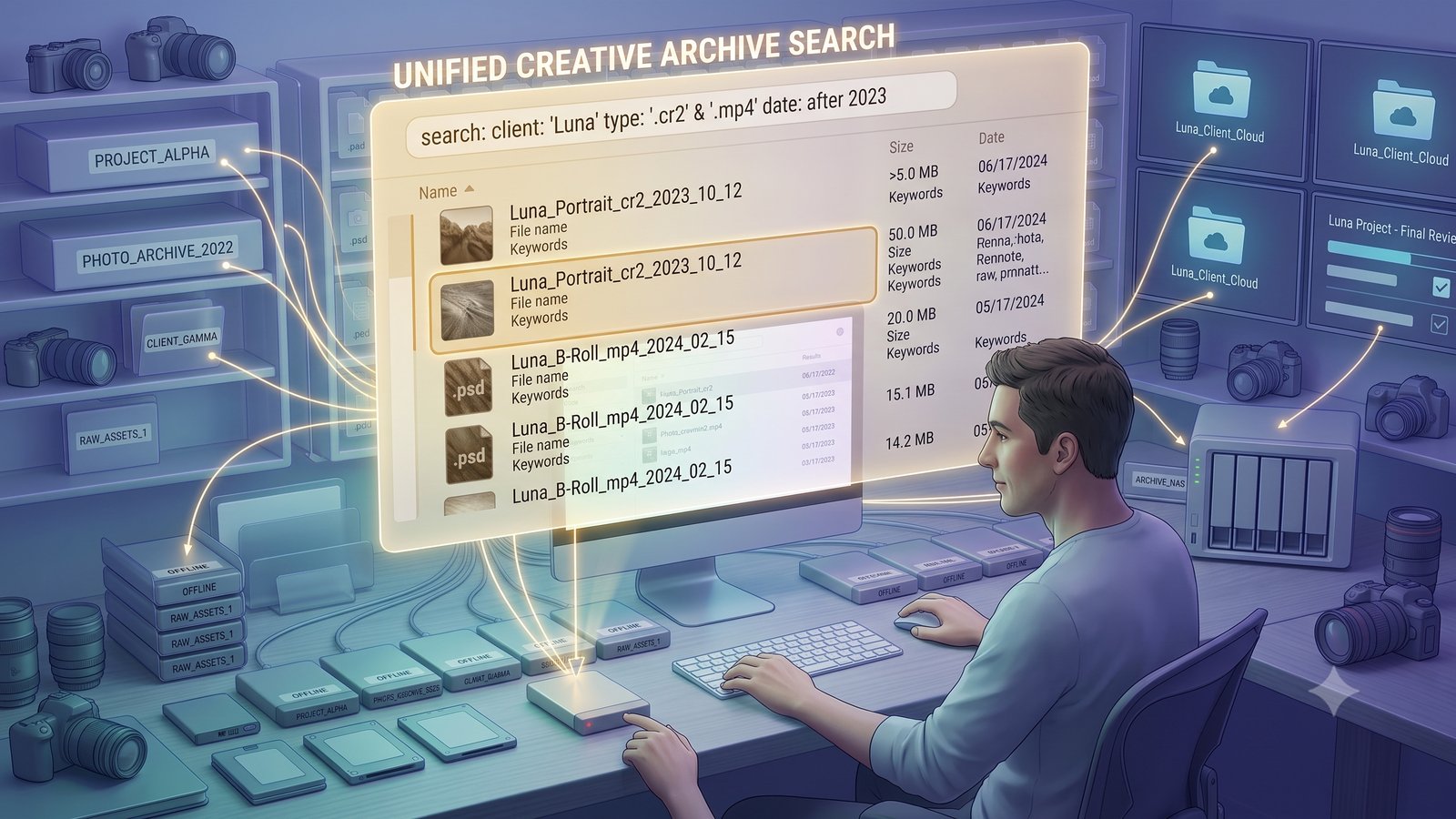
Whimsy is a better fit when your archive includes more than one kind of storage. Choose Whimsy if you need to search across external hard drives, local folders, laptop and desktop storage, NAS volumes, synced cloud folders, cloud accounts, object storage, or hosted galleries and delivery workflows.
Whimsy is especially useful for photographers, videographers, studios, and creators whose files are spread across many places. Instead of rebuilding your archive around one cloud, Whimsy helps you understand and search the storage you already use.
Is Whimsy a disk cataloger alternative?
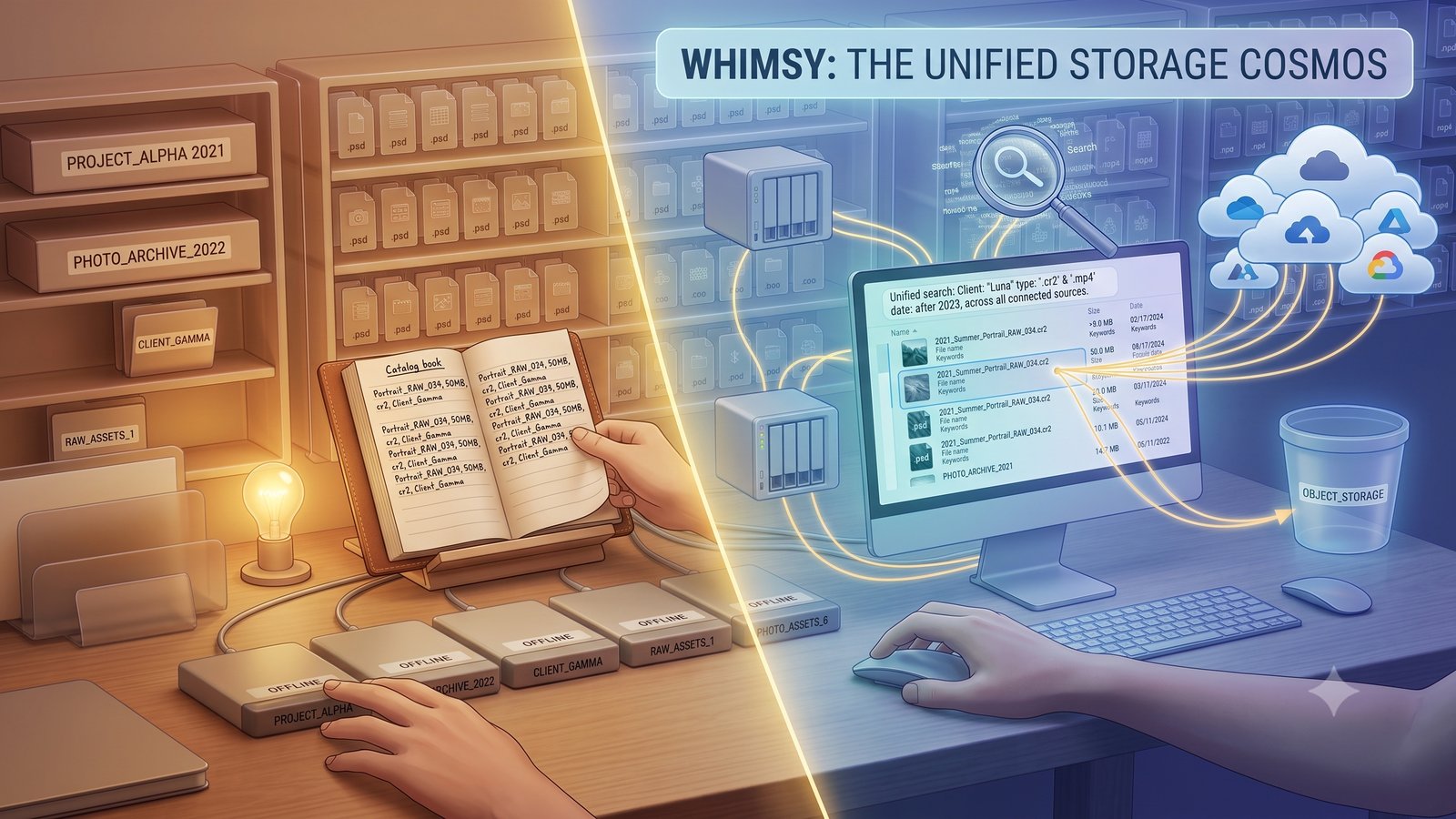
Yes. Whimsy can be understood as a modern disk cataloger alternative for people whose archives have grown beyond offline drives.
Traditional disk catalogers answer: “What is on this disk?” Whimsy is designed to answer: “Where is this file across my entire storage system?” That difference matters when files are no longer stored in one place.
FAQ
What is the best way to search offline external drives?
The best way to search offline external drives is to create a searchable catalog before the drives are disconnected. A traditional disk cataloger can do this for offline disks. Whimsy extends the same idea across external drives, local folders, NAS, cloud storage, and hosted workflows.
Can I search a drive without plugging it in?
Yes, if the drive was cataloged earlier. Once the file list and metadata have been indexed, you can search the catalog without plugging in the drive. You only need to reconnect the drive when you want to open, copy, restore, or move the actual file.
How is Whimsy different from a traditional disk cataloger?
A traditional disk cataloger focuses mainly on offline disks. Whimsy expands that idea into a modern storage search layer for external drives, local folders, NAS, synced cloud folders, object storage, and optional hosted workflows.
Is Whimsy local-first?
Yes. Whimsy is designed around a local-first approach, so users can begin with the storage they already have instead of uploading everything into a new cloud first.
Does Whimsy replace cloud storage?
No. Whimsy does not need to replace your existing storage. It works as a search, organization, and workflow layer across the storage locations you already use, including local drives, NAS, cloud folders, and supported object storage.
Who is Whimsy for?
Whimsy is for people with fragmented archives. It is especially useful for photographers, videographers, creative studios, families, and teams that store files across external drives, computers, NAS, cloud accounts, and hosted storage.
The takeaway
Traditional disk catalogers help you remember what is on offline disks.
Whimsy helps you understand a modern, fragmented archive.
It keeps the offline cataloging idea but extends it into a local-first search layer for external drives, NAS, local folders, cloud storage, object storage, and optional hosted workflows.
Comments (0)
The views in comments are those of the author and do not necessarily reflect the views of NumeraCode. We reserve the right to remove inappropriate content.