Find the Right 30 Photos in 4,000 Frames Without Losing Hours
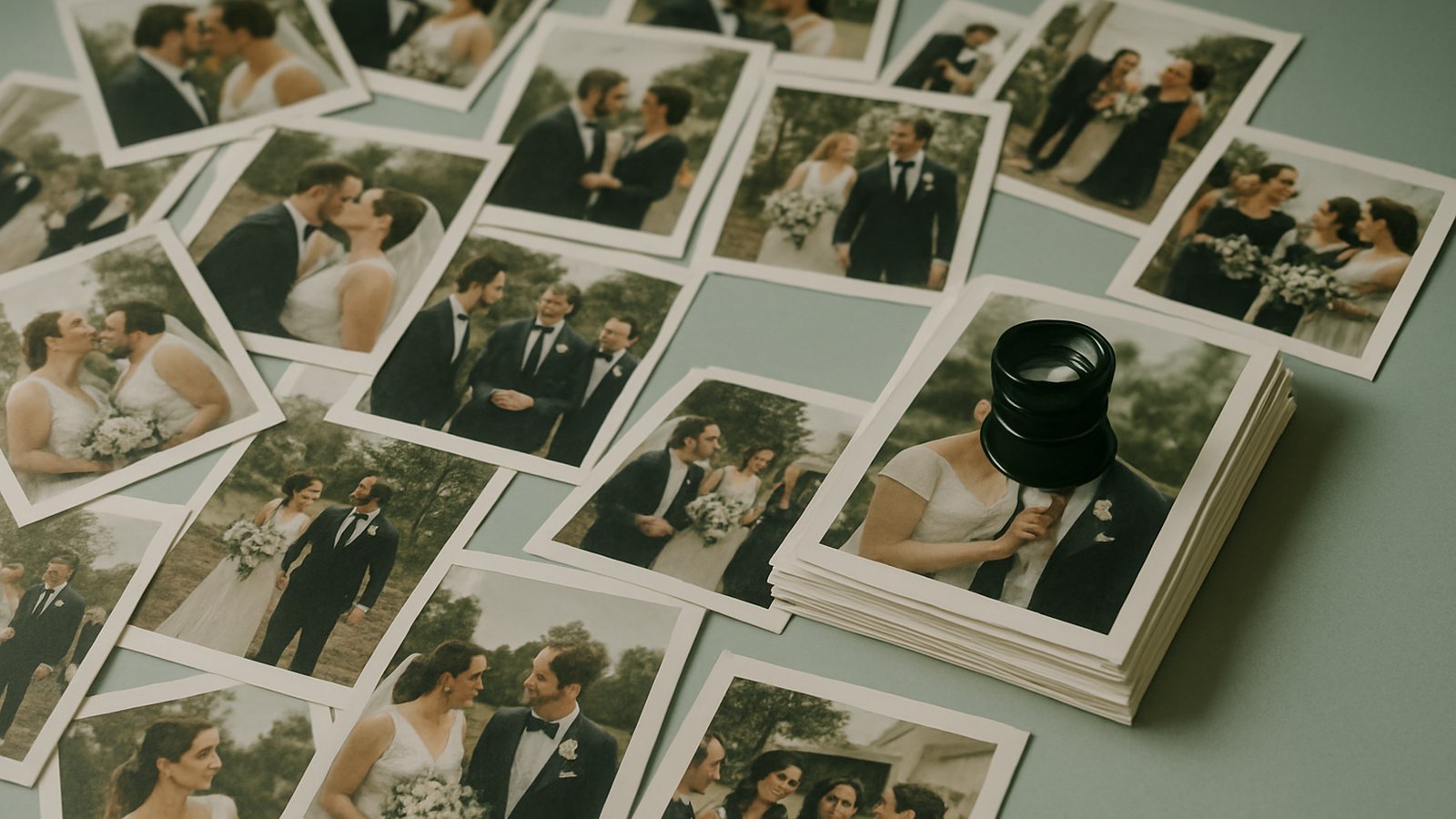
The hard part of a shoot in 2026 isn't pressing the shutter. It's finding the thirty frames worth delivering, somewhere in the four thousand you came home with — and they're spread across two clouds and an external drive.
The shoot got faster. The cull didn't.
Come home from one wedding and you have 4,000 to 5,000 RAW files — 80 to 170 GB for a single day. Burst mode, a second shooter, a handful of AI-assisted variations, and the safety frames you'll never open again. Capturing all of it is nearly free now: cards are cheap, storage is cheap, and the camera will happily take twelve frames of the same moment.
Finding the right ones is the part that still costs you a Saturday. The bottleneck moved — from the shutter to the sort — and most of the tools photographers pay for were built for the old bottleneck.
Why "just get organized" stops working
Folders by date are fine until the day a client asks for "the one where the dog ran into the aisle." You don't remember the date. You remember the photo. Date folders can't find a photo by what's in it.
And the mess isn't just volume, it's shape:
- Duplicates everywhere. The RAW, the exported JPEG, the edited master, and three near-identical frames from the same burst — all living as separate files, all looking like candidates.
- Split across clouds. Half the archive is in Google Drive, the overflow went to Dropbox, last year's shoots are on a NAS or an external drive, because no single place ever held all of it.
- No way to search across it. Each cloud searches itself, by filename, and filenames are
IMG_4471.CR3. That's not search. That's a haystack with a flashlight.
So the cull becomes manual scrolling, and manual scrolling is where the unbilled hours go.
What actually helps: search, not more folders
The fix isn't a tidier folder tree. It's being able to ask a question and get the frames back:
- Search by what's in the photo — the dress, the cake, the aisle, the dog — instead of by filename or date.
- Search across every cloud at once, so it doesn't matter whether the shot is in Drive, Dropbox, or on the NAS.
- Collapse the duplicates, so the master rises to the top and the six near-identical bursts stop competing for your attention.
That layer — the one that turns 4,000 files into the right 30 — is the thing that's actually missing from most photographers' stacks. Storage solved "where do the files live." It never solved "which file do I need."
You already pay for the storage. Don't pay for it twice.
Here's the part that quietly costs the most: most gallery and proofing platforms make you upload your photos into their store, then bill you by the gigabyte to keep them there. You're now paying twice for the same files — once for the Google Drive or Dropbox you already have, and again for the platform's copy. And every copy is one more place for the originals to drift out of sync.
There's a simpler shape. Connect the cloud you already pay for, and let the tool read from it — index it, search it, build a client gallery from it — without ever moving or copying the files. The originals stay exactly where you put them, in the account you control. Nobody else holds your masters.
That's the model Whimsy is built around. You connect Google Drive, Dropbox, OneDrive, or an S3-compatible bucket. Whimsy indexes what's there so you can search across all of it, finds the duplicates, and generates a branded proofing link straight from a folder of final selects — no upload, no second store, no second invoice. The "we never see your files" promise is the whole point: the gallery your client opens points at the originals you archived, not at a copy that might have drifted.
What this does today — and what it doesn't
We'd rather be straight with you than oversell:
- What it does: connect the clouds you already use, search and index across all of them at once, surface duplicates, and turn a folder of selects into a branded, expiring client gallery — from the files in place.
- What it doesn't: it's not your editor (that's still Lightroom) and it's not your CRM (contracts and invoices still belong in HoneyBook or Dubsado). And it's honest early access — the desktop app is young, and on Linux you're driving a real CLI for now.
We're building this in the open and we want working photographers to tell us where it breaks. If you've got a five-year archive split across three clouds and a cull that eats your weekends, that's exactly the problem we're trying to kill.
The skill that pays in 2026
Anyone can take ten thousand photos now. The photographers who get their evenings back are the ones who can find the right thirty fast — and then hand them to the client without standing up a second copy of their whole archive to do it.
Capture is solved. Curation is the job. Pick tools that help you find, not tools that charge you to host.
Whimsy is in free early access at whimsy.numeracode.com. Connect the clouds you already pay for, search across all of them at once, and build a client gallery from the files already in place — no second upload, no second bill. Tell us where it breaks.
Comments (0)
The views in comments are those of the author and do not necessarily reflect the views of NumeraCode. We reserve the right to remove inappropriate content.